
Aprašymas
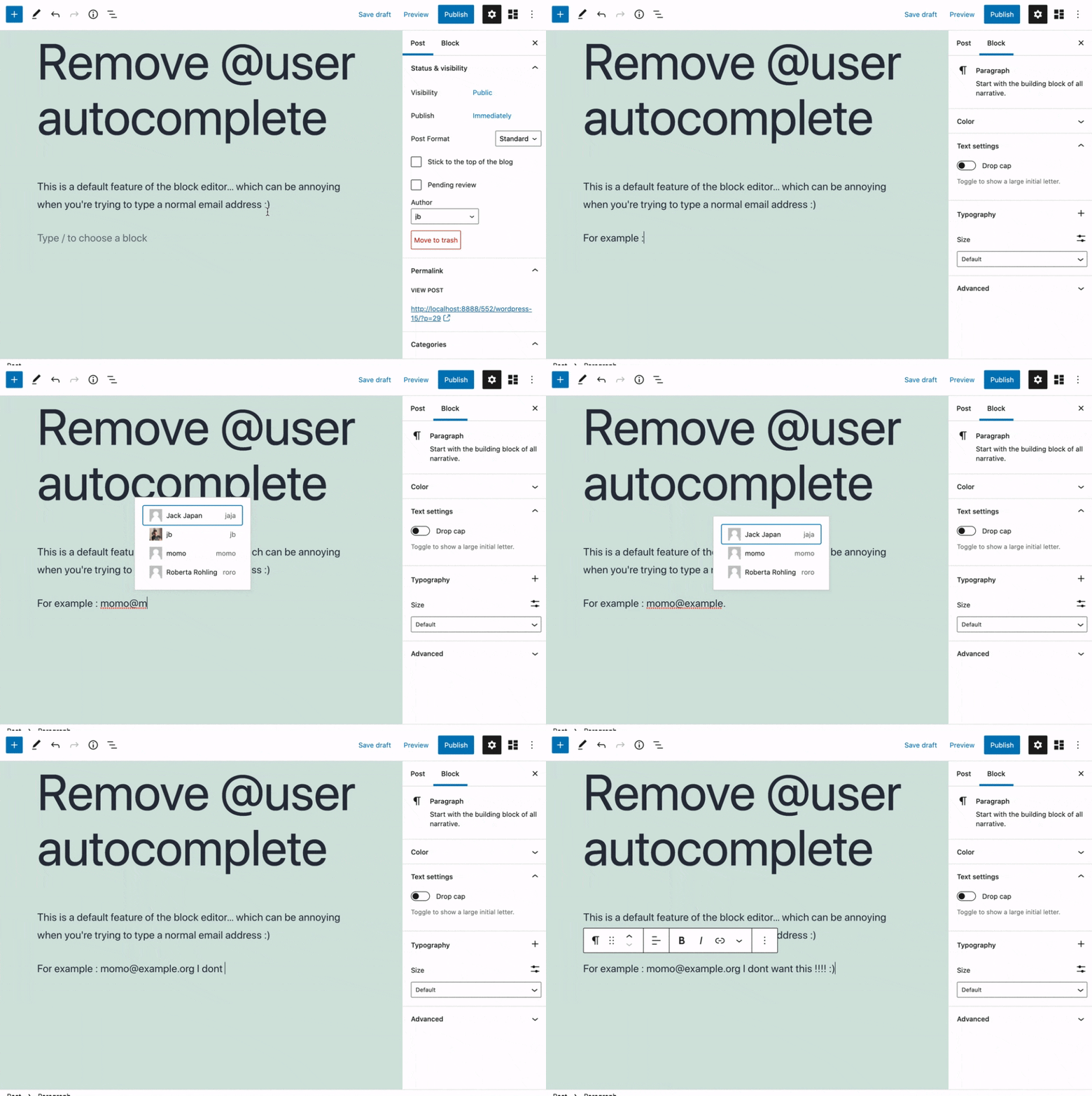
Removes the @user autocomplete feature from the block editor. By default on Gutenberg, when you type @, the block editor performs a search through the users of your WordPress install to suggest you to „@-mention” them (see animated screenshot below for a demo of the default feature). It can be annoying when you are writing email addresses in the editor. This plugin removes the feature from the editor.
Ekrano nuotraukos
Diegimas
- Install the plugin and activate it in your WordPress Admin.
- That’s all! No settings needed.
Atsiliepimai


Programuotojai ir komandos nariai
“Remove @User Autocomplete from Block Editor” yra atviro kodo programa. Prie jos sukūrimo prisidėję žmonės surašyti toliau.
Autoriai
Įskiepis “Remove @User Autocomplete from Block Editor” išverstas į 1 kalbą. Dėkojame vertėjams už jų darbą.
Išverskite “Remove @User Autocomplete from Block Editor” į savo kalbą.
Domina programavimas?
Peržiūrėkite kodą, naršykite SVN repozitorijoje, arba užsiprenumeruokite kodo pakeitimų žurnalą per RSS.
Pakeitimų istorija
0.1
- Plugin initial release. Works fine 🙂