

Aprašymas
ZapQR Login gives your WordPress site passwordless sign-in, two ways:
Sign in with ZapQR (SSO) — recommended
A „Sign in with ZapQR” button on your login page. Visitors sign in with their ZapQR account — passkey-first (Face ID / Touch ID / security key), with an email link as fallback — via standards-based OpenID Connect single sign-on. One ZapQR account works across every site that offers it.
- Passkey-first: phishing-resistant WebAuthn sign-in, no passwords anywhere
- Standards-based: OAuth 2.0 authorization-code flow with PKCE; ID tokens verified in the plugin (RS256, JWKS)
- Links existing WordPress users by their verified email — admins keep their role
- New visitors are created with a low-privilege role you choose (Subscriber by default)
- Single logout: logging out of WordPress also ends the ZapQR session
- No external code: the whole flow is server-side redirects and server-to-server calls
QR credential fill (classic)
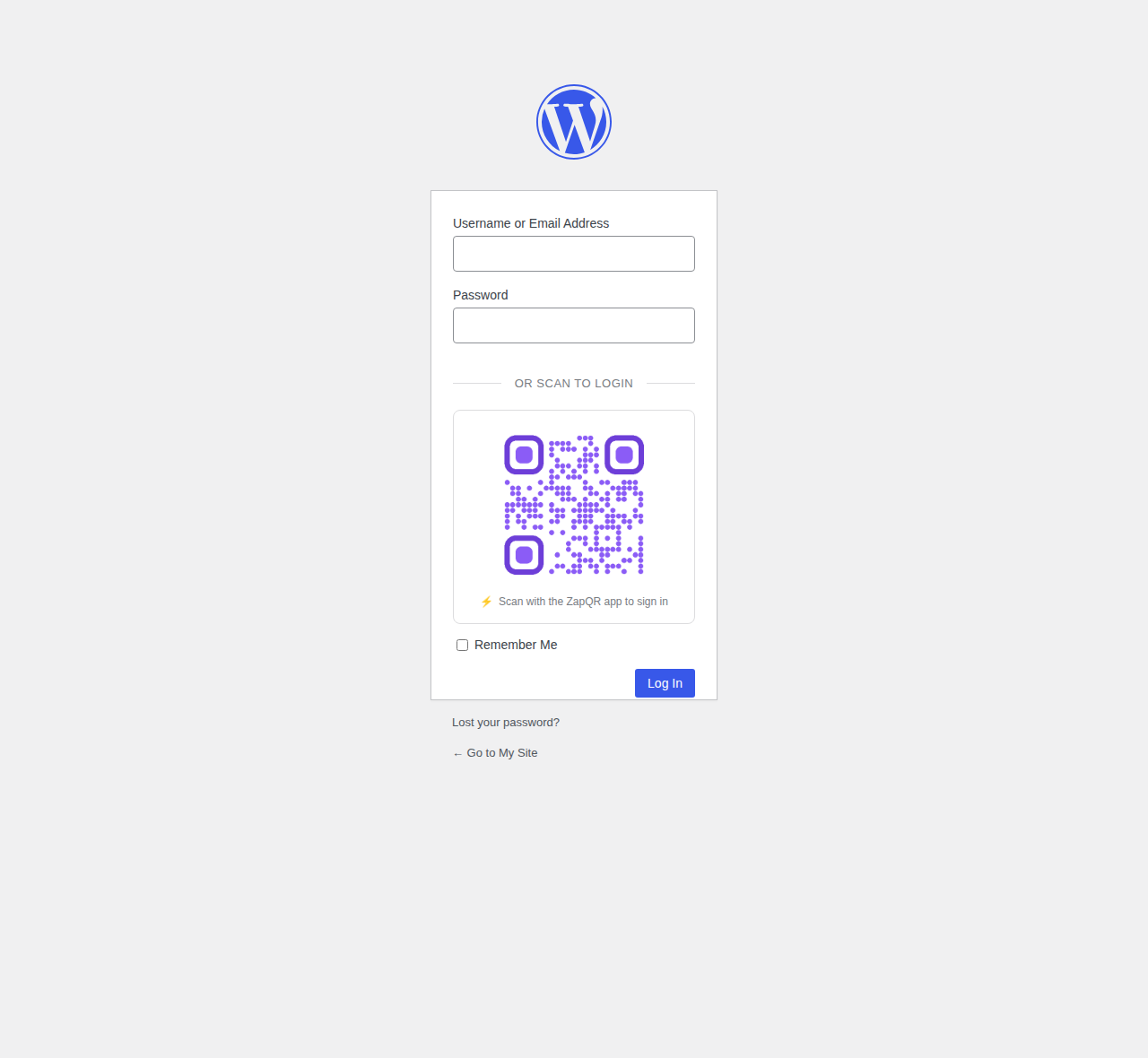
Users save their WordPress credentials in the ZapQR app; on the login page they scan a QR code and the login form fills and submits itself. Credentials travel phone browser over an encrypted WebSocket relay and are never stored on external servers.
External services
This plugin talks to the following services. No data is sent anywhere until a site administrator enables the relevant mode.
ZapQR identity provider (SSO mode) — auth.zapqr.ai by default, or a self-hosted issuer the admin configures. When a visitor clicks „Sign in with ZapQR” their browser is redirected there to authenticate; your server then exchanges an authorization code (server-to-server) and receives the visitor’s email address and its verified status — nothing else. Provider: DaSecure (zapqr.ai, terms and privacy linked there).
ZapQR relay (QR mode) — wss://relay.zapqr.ai, a WebSocket relay that pairs the login page with the visitor’s phone using a random session identifier. Credentials pass through end-to-end encrypted and are not stored. Provider: DaSecure (zapqr.ai).
QR image service (QR mode) — api.qrserver.com renders the QR image. It receives only the random session identifier and your site’s hostname — never credentials. Provider: goqr.me (privacy).
Ekrano nuotraukos
Diegimas
- Install and activate the plugin.
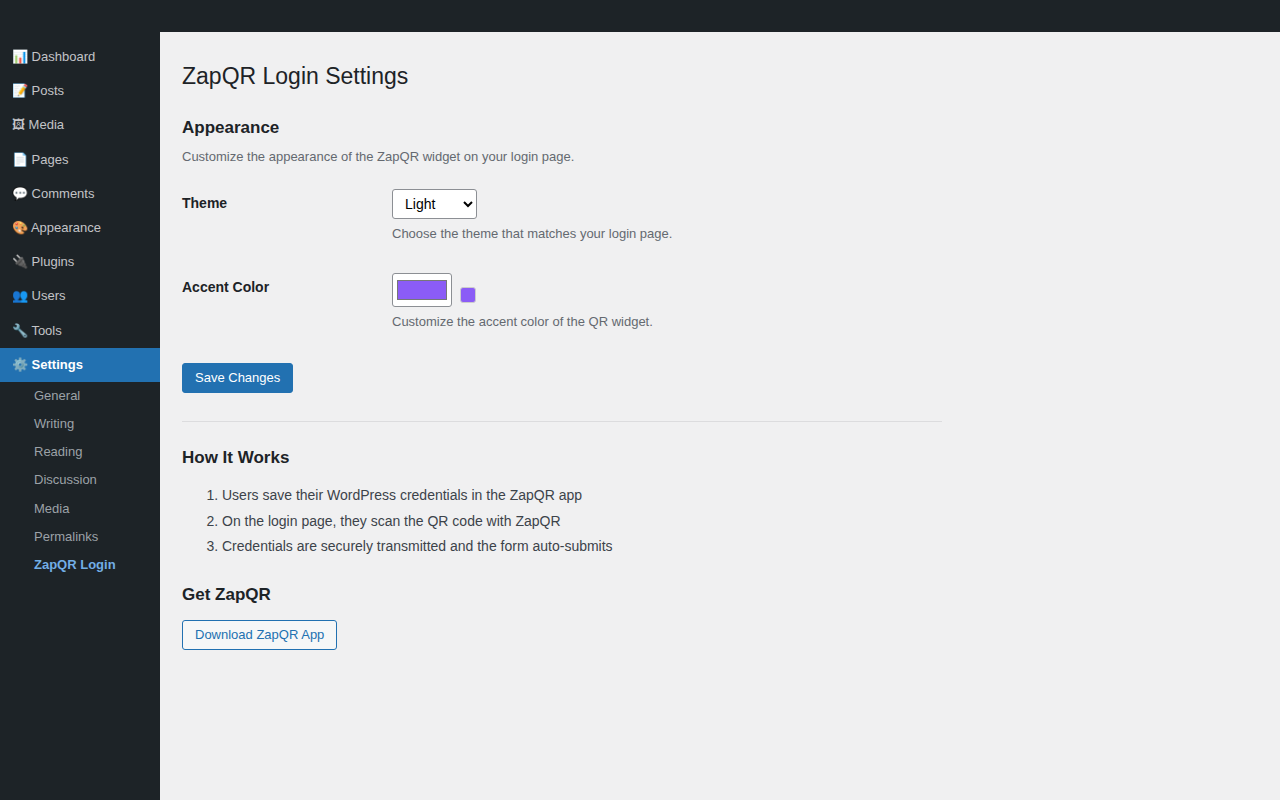
- For SSO: go to Settings > ZapQR Login, copy the Redirect URI and Post-logout URI shown there, register your site at the ZapQR identity provider to get a Client ID and Secret, paste them in, tick Enable, save.
- For QR fill: nothing to configure — the widget appears on wp-login.php. Customize theme and accent color in Settings > ZapQR Login.
DUK
-
What does the site receive about the visitor in SSO mode?
-
Only a verified email address and a stable account identifier, delivered in a cryptographically signed token that the plugin verifies against the provider’s published keys. No passwords, no passkeys, no profile data.
-
Can someone take over an existing account?
-
No. Linking to an existing WordPress user happens only when the ZapQR identity provider asserts the email is verified; unverified emails are rejected outright. You can also disable linking entirely, and new users always get the low-privilege role you configure.
-
Where do passkeys live?
-
With the visitor and the ZapQR identity provider — never on your WordPress site. Your site only consumes the signed sign-in assertion.
-
Does the QR credential mode still work?
-
Yes, unchanged. It is a separate, coexisting mode: the ZapQR app stores per-site WordPress credentials locally on the phone (Face ID / Touch ID protected) and relays them to the browser at login.
-
Does this work with multisite?
-
Yes.
Atsiliepimai
Įskiepis neturi atsiliepimų.
Programuotojai ir komandos nariai
“ZapQR Login” yra atviro kodo programa. Prie jos sukūrimo prisidėję žmonės surašyti toliau.
Autoriai
Išverskite “ZapQR Login” į savo kalbą.
Domina programavimas?
Peržiūrėkite kodą, naršykite SVN repozitorijoje, arba užsiprenumeruokite kodo pakeitimų žurnalą per RSS.
Pakeitimų istorija
1.1.0
- New: „Sign in with ZapQR” single sign-on (OpenID Connect, authorization-code + PKCE, RS256 ID-token verification via JWKS)
- New: link existing users by verified email; configurable default role for new users; optional single logout through the identity provider
- Changed: the QR widget script is now bundled with the plugin instead of loaded from zapqr.ai
- Hardened: explicit sanitization on all settings
1.0.0
- Initial release: QR code credential fill on wp-login.php, theme and accent customization