

Aprašymas
Most custom-font plugins get the font onto your site and stop there. You still end up writing font-family by hand somewhere in a CSS box, because your theme’s typography panel does not know the font exists.
This one registers the font where you actually pick fonts. Upload a woff2, and it shows up in the font dropdown of the builder or theme you already use — selectable with a click, no CSS.
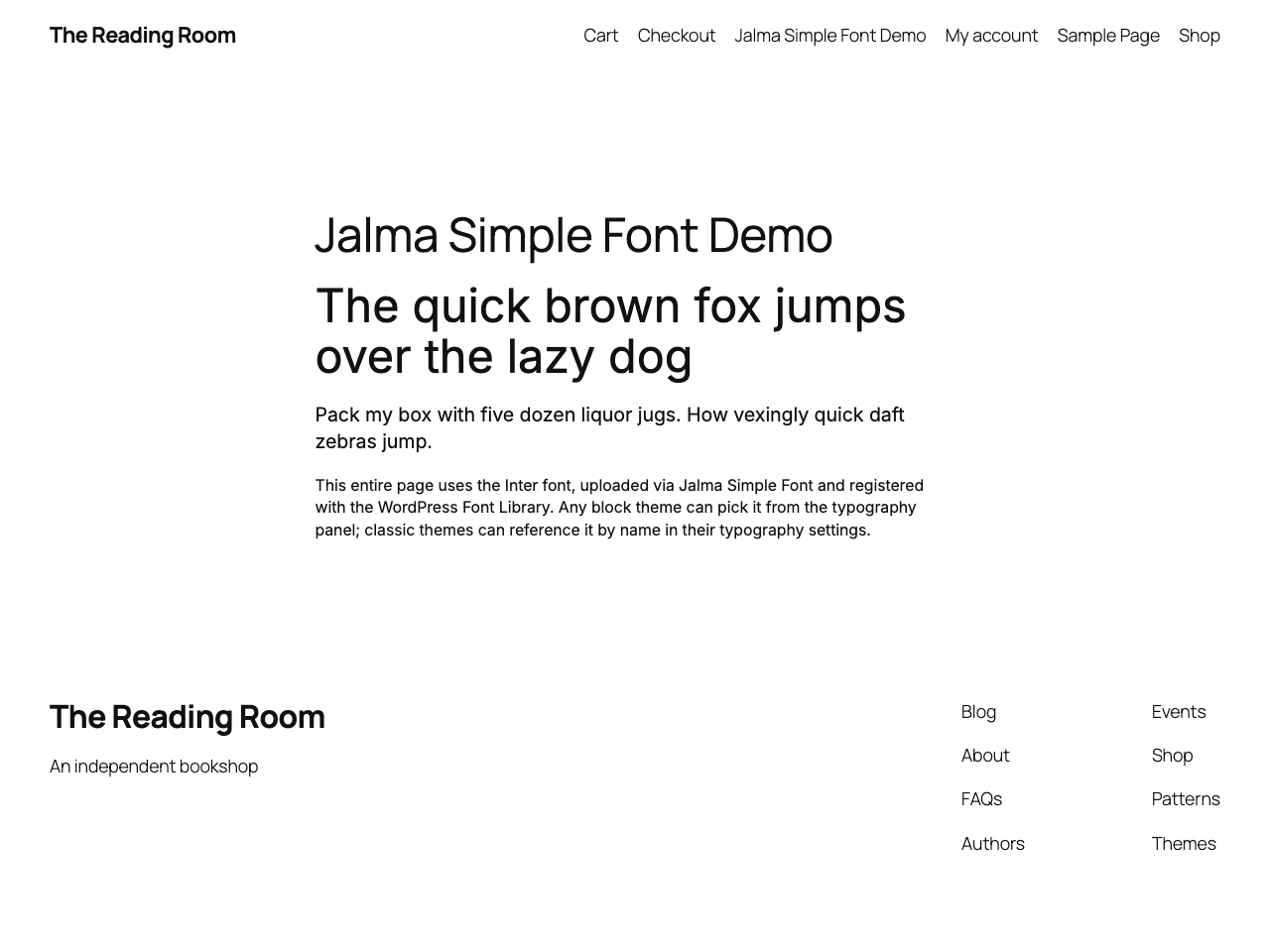
The font is served from your own server via @font-face on the frontend and in wp-admin, so the editor previews what visitors get, and nothing is fetched from Google.
Where your font appears:
- Block themes — registered in the WordPress Font Library, pick it in the Site Editor.
- Kadence (theme & Kadence Blocks), Elementor, Divi, Avada (Fusion Builder), GeneratePress, Astra and OceanWP — the font shows up directly in each one’s own typography settings.
- Any other theme — reference the font name in your CSS or the theme’s font-family setting.
No bloat, no page-builder lock-in — just a custom font, made simple.
Features:
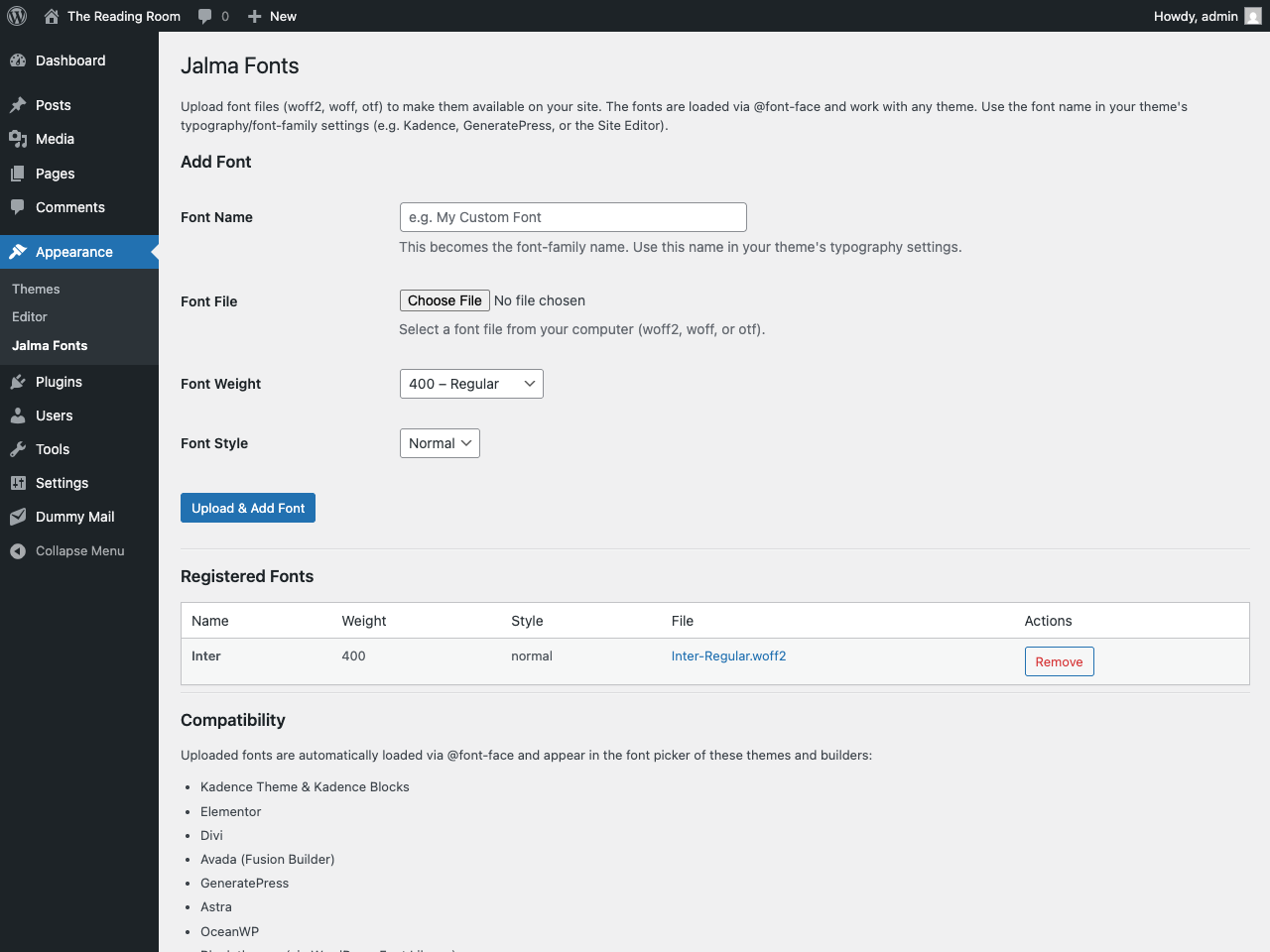
- Upload woff2, woff, and otf font files
- Fonts are loaded via @font-face with
font-display: swap - Set font weight (100–900) and style (normal/italic) per file
- Registered in the WordPress Font Library for block themes
- Native font-picker integration for Kadence, Elementor, Divi, Avada, GeneratePress, Astra and OceanWP
- Works with any other theme too — use the font name in your typography settings or CSS
- Manage fonts at Appearance > Simple Fonts
Ekrano nuotraukos
Diegimas
- Upload the plugin folder to
/wp-content/plugins/. - Activate Simple Fonts through the Plugins menu in WordPress.
- Go to Appearance > Simple Fonts to upload and manage your fonts.
- Use the font name in your theme’s typography/font-family settings.
DUK
-
What font formats are supported?
-
woff2, woff, and otf.
-
Where are uploaded fonts stored?
-
In
wp-content/uploads/jalma-fonts/. -
Does this work with block themes?
-
Yes. Fonts are registered in the WordPress Font Library and appear as a font collection in the Site Editor.
Atsiliepimai
Įskiepis neturi atsiliepimų.
Programuotojai ir komandos nariai
“Simple Fonts – Upload Custom Fonts for Any Theme or Page Builder” yra atviro kodo programa. Prie jos sukūrimo prisidėję žmonės surašyti toliau.
Autoriai
Išverskite “Simple Fonts – Upload Custom Fonts for Any Theme or Page Builder” į savo kalbą.
Domina programavimas?
Peržiūrėkite kodą, naršykite SVN repozitorijoje, arba užsiprenumeruokite kodo pakeitimų žurnalą per RSS.
Pakeitimų istorija
1.1.10
- Raised minimum WordPress version to 6.5 (matches the Font Library
wp_register_font_collection()requirement). - Renamed internal constants to the plugin slug prefix (
JALMA_SIMPLE_FONTS_) for Plugin Check compliance.
1.1.9
- Dynamic
@font-faceCSS is now output viawp_register_style()+wp_add_inline_style()on the standard enqueue hooks instead of a raw<style>tag.
1.1.8
- Native font-picker integration for Kadence, Elementor, Divi, Avada, GeneratePress, Astra and OceanWP, alongside the WordPress Font Library for block themes.
- Tested up to WordPress 7.0.
1.1.7
- Split plugin into separate files for better organization.
- Register fonts in the WordPress Font Library for block themes.
- Use
wp_handle_upload()for font file uploads (replacesmove_uploaded_file()) — Plugin Check compliant. - Tested up to WordPress 6.9.
1.0.0
- Initial release.