
Aprašymas
Your Website Can Now Speak
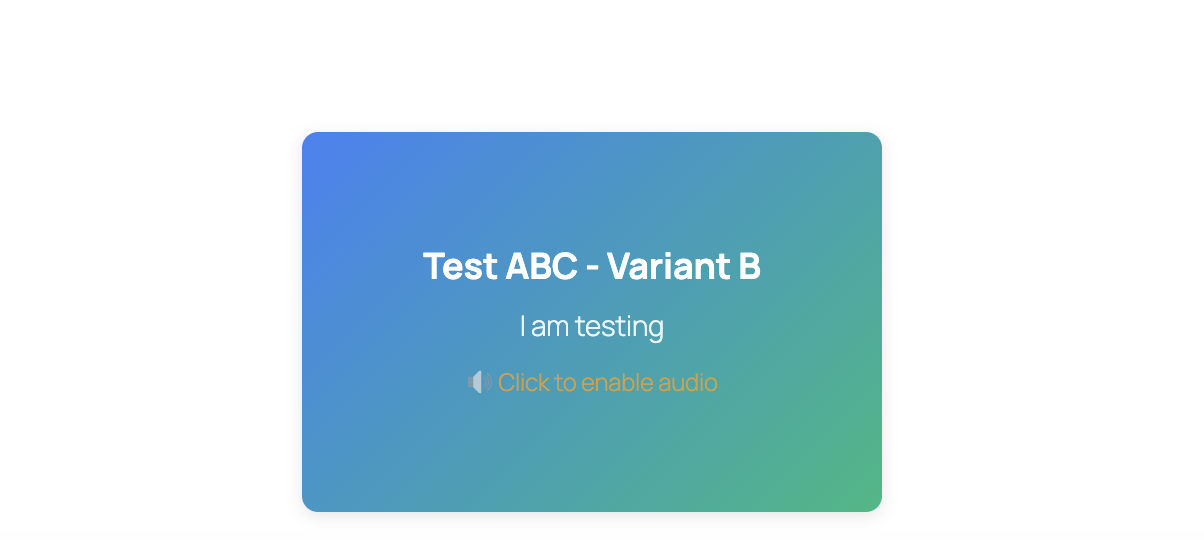
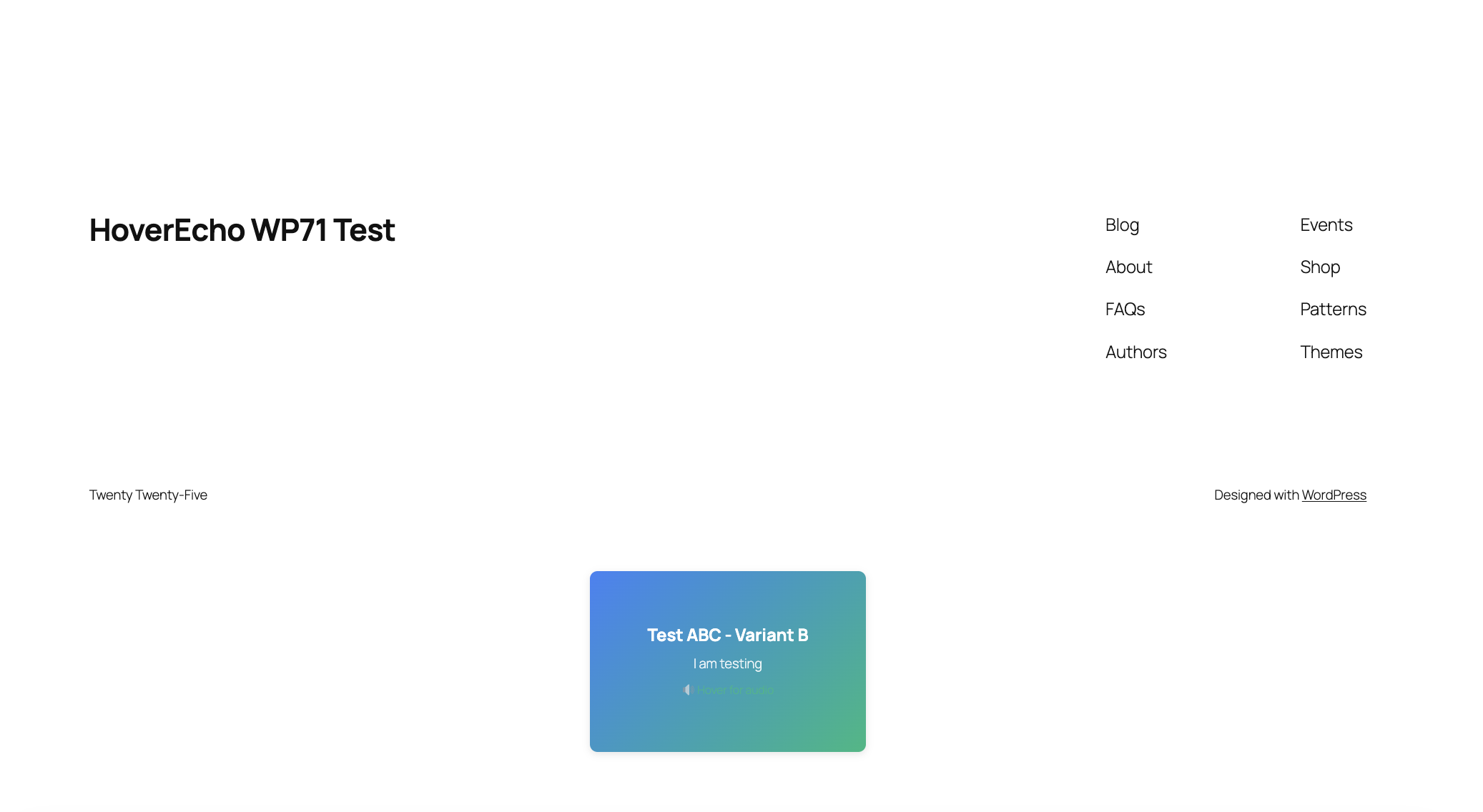
HoverEcho adds an interactive audio layer to WordPress. Visitors can hear a short spoken message when they hover over an advertisement or website element—before they decide whether to click.
On supported devices, HoverEcho can respond to desktop hover, mobile touch-and-hold, and keyboard focus.
What Can HoverEcho Make Speak?
- Digital advertisements
- Buttons and calls to action
- Menus and navigation choices
- Product and featured-content cards
- Forms and input fields
- Pricing options
- Other selected website elements
How It Works
- Install and activate HoverEcho Ads.
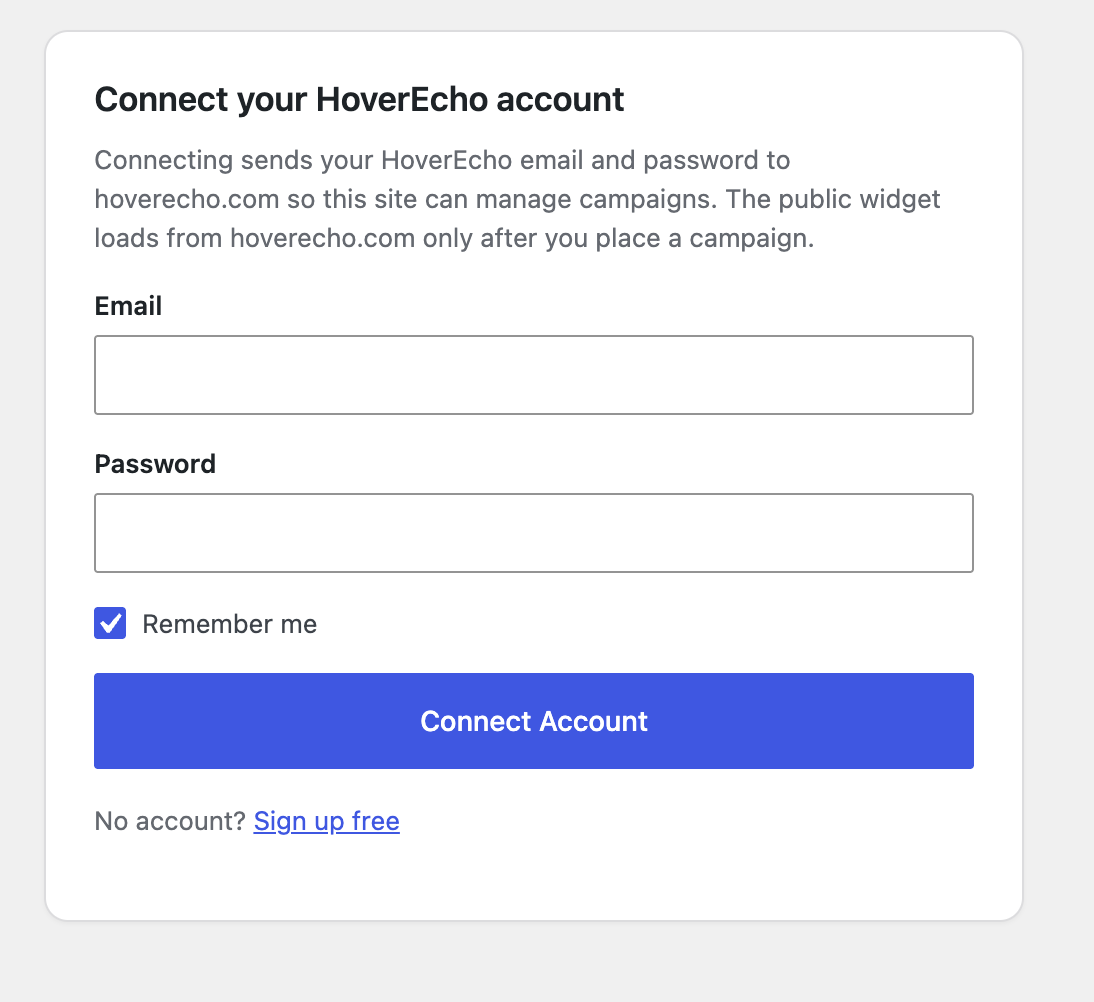
- Connect the plugin to your HoverEcho account.
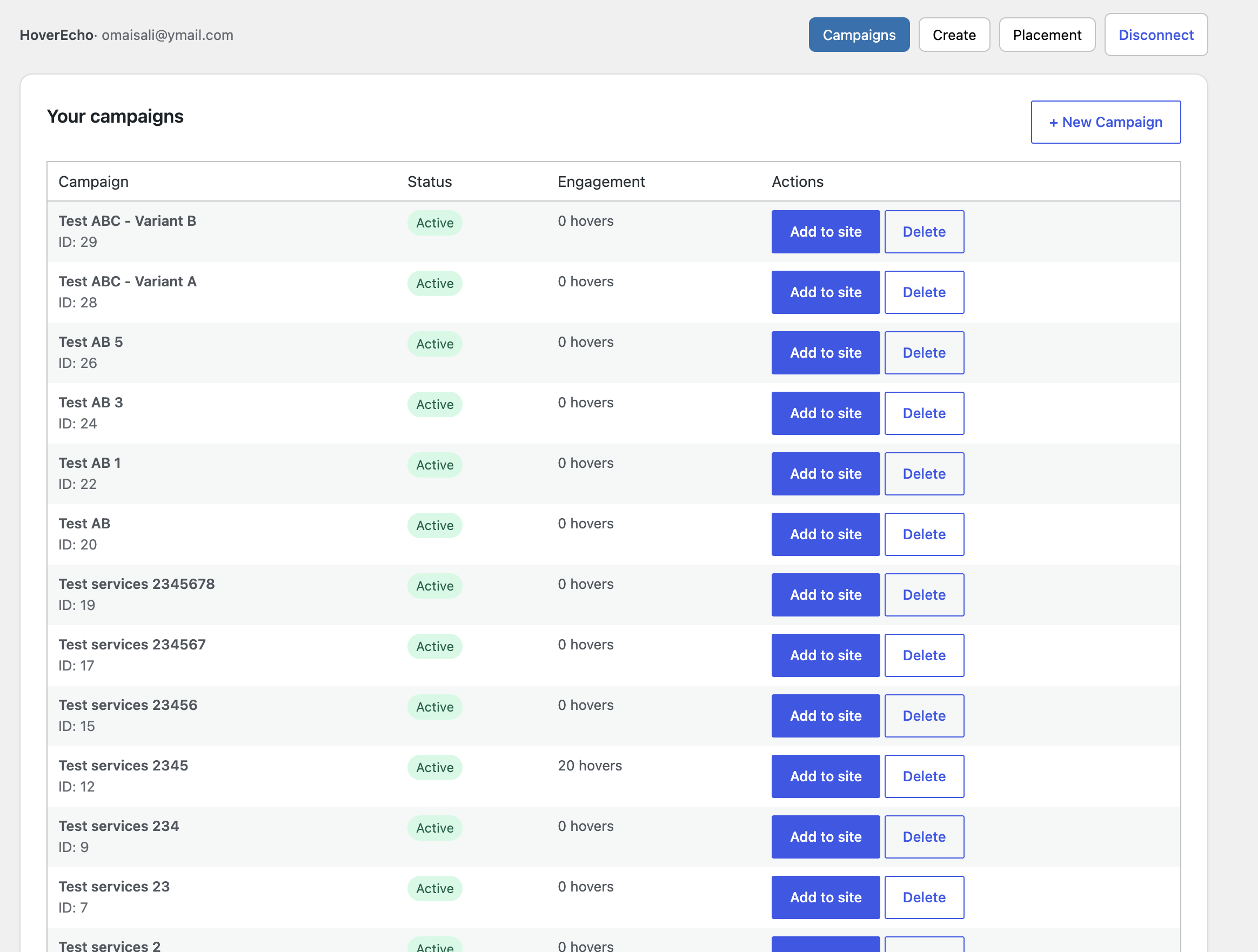
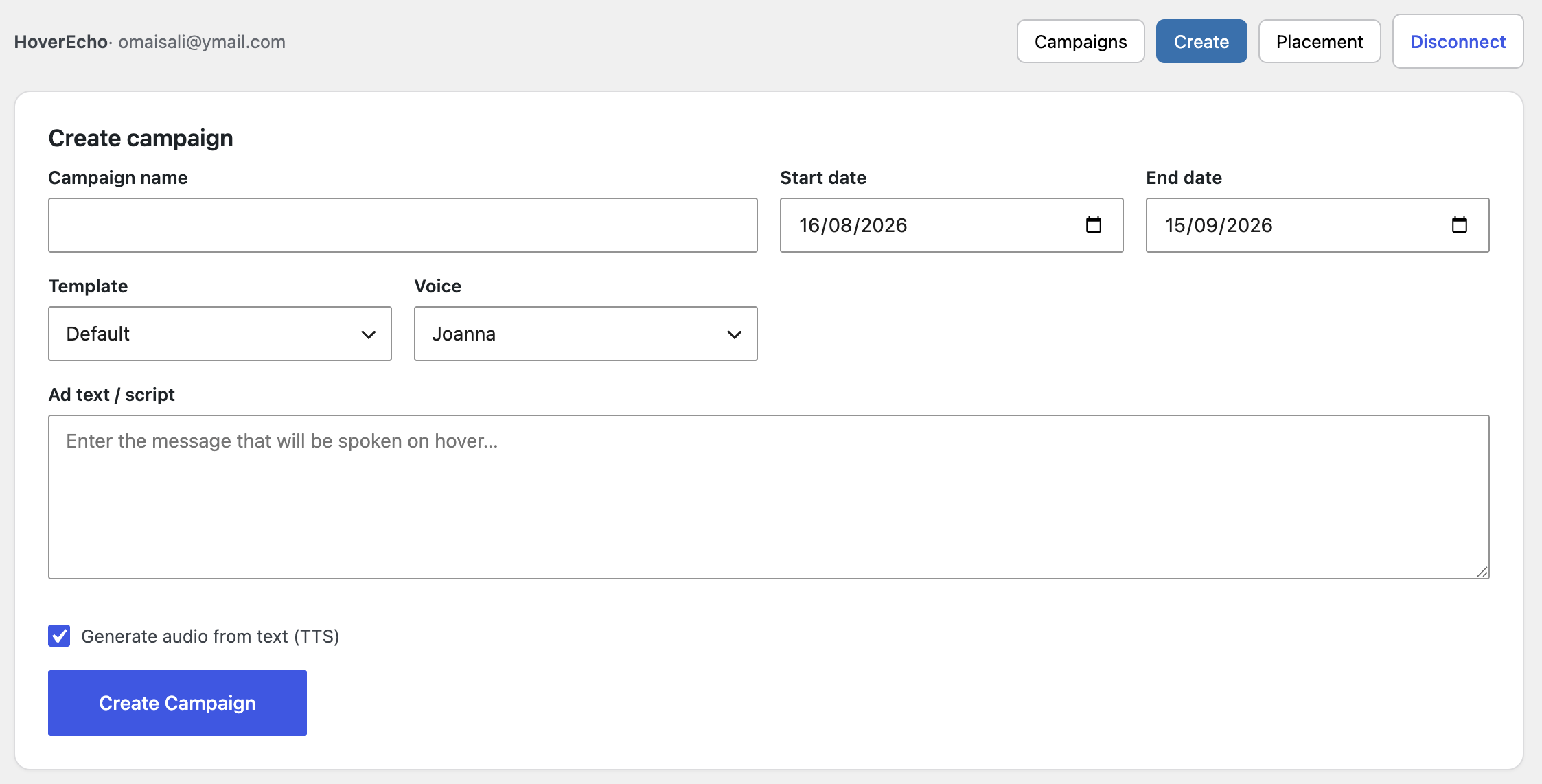
- Create or select a campaign.
- Add a written message for text-to-speech, or upload recorded audio.
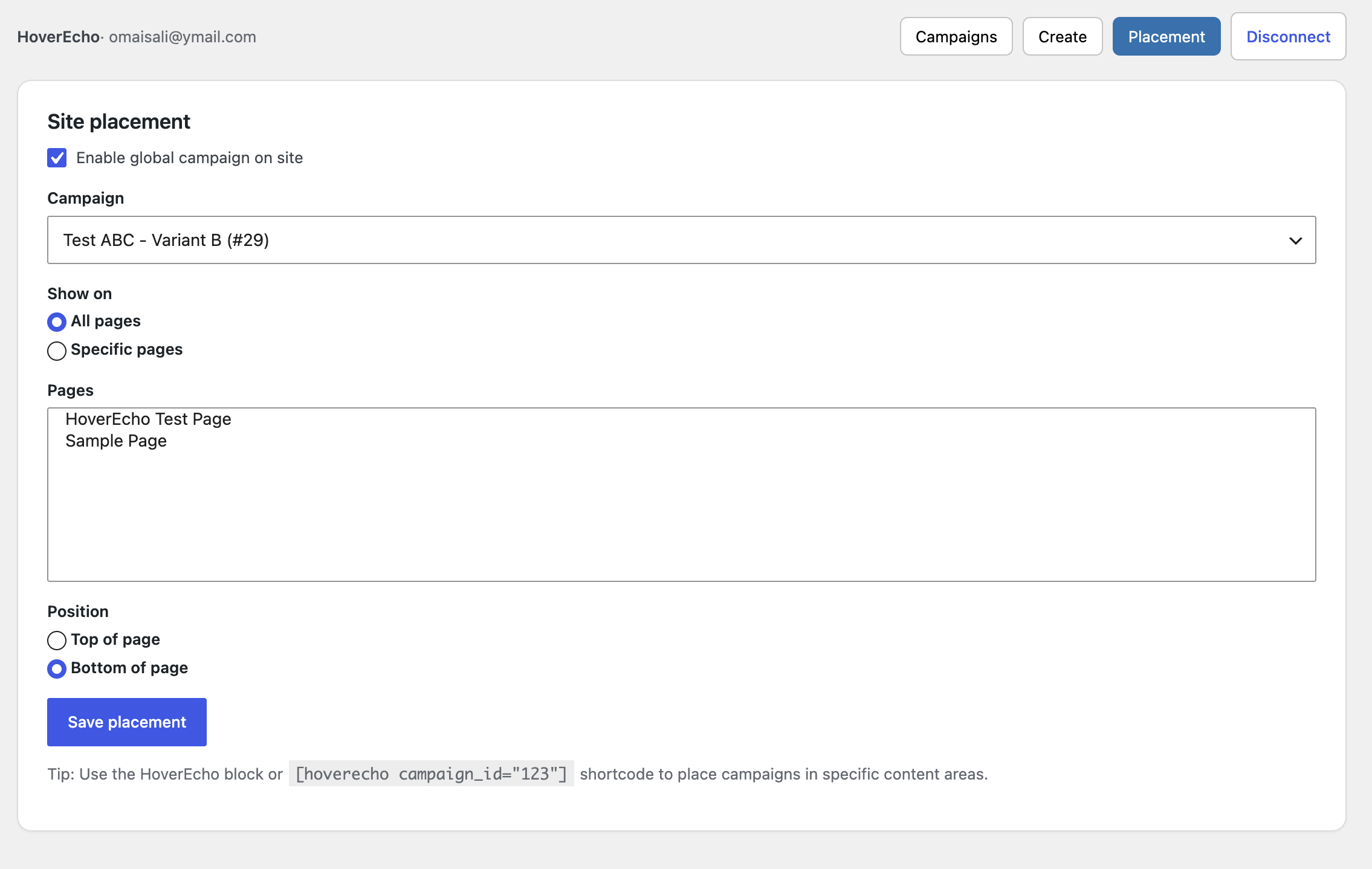
- Select where the experience should appear.
- Publish it to your WordPress website.
No copying and pasting embed code is required.
Why Use HoverEcho?
- Let visitors hear an explanation before clicking.
- Add audio to advertisements without changing the original creative.
- Explain buttons, menus, products, prices, and forms at the point of decision.
- Use text-to-speech or your own recorded audio.
- Manage campaigns from one HoverEcho account.
- Create a more understandable and engaging website experience.
HoverEcho Account and Subscription
This plugin connects your WordPress website to the HoverEcho hosted service. A HoverEcho account is required.
New customers receive a 30-day free trial. Unless cancelled, the selected paid subscription begins automatically on day 31. Customers may cancel before the trial ends to avoid being charged.
- Create a HoverEcho account: https://hoverecho.com/signup
- Pricing: https://hoverecho.com/pricing
- Terms of Service: https://hoverecho.com/terms
- Privacy Policy: https://hoverecho.com/privacy
The WordPress plugin is the installation and connection component for the HoverEcho service. HoverEcho is not a free product.
Free Setup Support
We will help new customers connect their websites and publish their first HoverEcho experience during the 30-day trial.
- Email: Support@HoverEcho.com
- Plugin and setup help: https://hoverecho.com/wordpress-plugin
Configuration
- HoverEcho Dashboard: connect, disconnect, campaigns, create campaign, site placement
- HoverEcho Settings: explanation of the HoverEcho connection (no custom host settings)
Disconnect removes the stored token and connected-account fields from this WordPress site.
Deleting the plugin (uninstall) removes:
- hoverecho_settings
- hoverecho_auth
- hoverecho_placements
- hoverecho_campaign_cache
Privacy
This plugin stores data in WordPress only after an administrator connects a HoverEcho account.
Stored in WordPress (hoverecho_auth):
- Encrypted HoverEcho API token
- HoverEcho user id
- First name (if provided by the login response)
- Last name (if provided)
- Subscription plan name (if provided)
- Connected-at timestamp
Also stored:
- hoverecho_settings (plugin settings)
- hoverecho_placements (which campaign is shown and where)
- hoverecho_campaign_cache (transient campaign list for the block/widget, 5 minutes)
What is sent to HoverEcho on Connect:
- Password
- rememberMe (boolean)
What may be sent later from wp-admin (while connected), depending on the action:
- Campaign fields such as name, dates, text message, language, voice, translation flags, receiving site URL (defaults to this WordPress site’s home URL), and related create/update fields
- Requests to list campaigns, templates, TTS voices, and translation languages
What may be sent from the public site after a campaign is placed:
- A request for public campaign data (campaign ID)
- Optional tracking POSTs that include the current page URL (
websiteUrl) for hover/click-style events implemented by the widget
The plugin registers WordPress privacy policy helper text, a personal data exporter, and a personal data eraser for the connected HoverEcho email. Disconnect or uninstall deletes the local token and connected-account option. That does not automatically delete the HoverEcho account on hoverecho.com.
HoverEcho service Privacy Policy: https://hoverecho.com/privacy
HoverEcho service Terms of Service: https://hoverecho.com/terms
External Services
This plugin communicates with the HoverEcho service operated at https://hoverecho.com
Base API: https://hoverecho.com/api
HTTP from WordPress uses the WordPress HTTP API (wp_remote_request).
1. Administrator Connect (required for Dashboard features)
POST https://hoverecho.com/api/auth/login
JSON body sent:
- password
- rememberMe
Response used by the plugin: token and user object. The token is encrypted and stored in WordPress. The password is not stored.
2. Administrator Dashboard (only while connected)
Authenticated with header: Authorization: Bearer {token}
- GET https://hoverecho.com/api/auth/profile
- GET https://hoverecho.com/api/campaigns
- GET https://hoverecho.com/api/campaigns/{id}
- POST https://hoverecho.com/api/campaigns/create-enhanced
- PUT https://hoverecho.com/api/campaigns/{id}
- DELETE https://hoverecho.com/api/campaigns/{id}
- GET https://hoverecho.com/api/templates
- GET https://hoverecho.com/api/campaigns/tts/voices
- GET https://hoverecho.com/api/campaigns/translate/languages
3. Public pages (only if a campaign is rendered)
Script loaded:
https://hoverecho.com/embed/hoverecho-widget.js
The widget then calls:
- GET https://hoverecho.com/api/campaigns/public/{campaignId}
- POST https://hoverecho.com/api/campaigns/{campaignId}/track-{eventType}
JSON body: { „websiteUrl”: „” }
Service links
- Service: https://hoverecho.com
- Privacy Policy: https://hoverecho.com/privacy
- Terms of Service: https://hoverecho.com/terms
- Sign up: https://hoverecho.com/signup
- Sign in: https://hoverecho.com/signin
- Plugin page: https://hoverecho.com/wordpress-plugin
- Pricing page (HoverEcho website, not this plugin): https://hoverecho.com/pricing
- Support email: Support@HoverEcho.com
Ekrano nuotraukos
Blokai
Šis įskiepis suteikia 1 bloką.
- HoverEcho Ad
Diegimas
- Upload the
hoverechofolder to/wp-content/plugins/(or install the ZIP via Plugins Add New Upload Plugin). - Activate the plugin through the Plugins menu.
- In wp-admin, go to HoverEcho Dashboard.
- Click Connect Account and sign in with a HoverEcho email and password. Connecting sends that email and password to https://hoverecho.com/api/auth/login. See External Services.
- After connecting, select or create a campaign and click Add to site, or insert the shortcode, block, or widget.
No API URL field is required. The plugin is hardcoded to:
- https://hoverecho.com
- https://hoverecho.com/api
DUK
-
Do I need a HoverEcho account?
-
Yes. Create one at https://hoverecho.com/signup or connect an existing account from HoverEcho Dashboard.
-
Do you offer setup help for new customers?
-
Yes. Free Setup Support is included during the 30-day trial. Email Support@HoverEcho.com or visit https://hoverecho.com/wordpress-plugin.
-
Do I still paste embed code?
-
No. Current versions place campaigns by campaign ID.
-
Is my HoverEcho password stored in WordPress?
-
No. After a successful login, WordPress stores an encrypted API token (the token returned by HoverEcho login) plus a small user summary (id, email, first name, last name, subscription plan). The password is sent only to https://hoverecho.com/api/auth/login at connect time and is not saved in WordPress options.
-
How is the token stored?
-
The token is encrypted with AES-256-CBC using a key derived from WordPress AUTH_KEY (or wp_salt(‘auth’) if AUTH_KEY is the default placeholder). It is saved in the
hoverecho_authoption. Admin screens talk to this site’s WordPress REST API (hoverecho/v1). Those routes require themanage_optionscapability and the WordPress REST nonce. WordPress then calls HoverEcho with the decrypted token as a Bearer token. The admin JavaScript does not receive the HoverEcho JWT. -
When does the plugin contact hoverecho.com?
-
Activating the plugin does not send data to HoverEcho.
HoverEcho is contacted when:
- An administrator clicks Connect (login)
- An administrator uses Dashboard features that load or change campaigns (list, create, delete, templates, voices, languages)
- A campaign is output on a public page (widget script + public campaign request + optional event tracking)
-
Who can use the Dashboard?
-
WordPress users with the
manage_optionscapability (typically administrators). -
What shortcode is supported?
-
[hoverecho campaign_id=”123″]
Optional attributes: align (left, center, right), width, height.
-
How do I get support?
-
Email Support@HoverEcho.com
Website: https://hoverecho.com
Plugin download page: https://hoverecho.com/wordpress-plugin
Atsiliepimai
Įskiepis neturi atsiliepimų.
Programuotojai ir komandos nariai
“HoverEcho Ads” yra atviro kodo programa. Prie jos sukūrimo prisidėję žmonės surašyti toliau.
Autoriai
Išverskite “HoverEcho Ads” į savo kalbą.
Domina programavimas?
Peržiūrėkite kodą, naršykite SVN repozitorijoje, arba užsiprenumeruokite kodo pakeitimų žurnalą per RSS.
Pakeitimų istorija
2.0.3
- Rewrite WordPress.org plugin page for product launch (description, video, subscription disclosure)
- Update banner and icon assets on WordPress.org
2.0.2
- Add Privacy Policy and Terms of Service links for HoverEcho external service disclosure
- Change text domain to hoverecho-ads to match the WordPress.org plugin slug
2.0.1
- WordPress.org compliance pass on the current 2.x plugin
- Document external HoverEcho API and widget traffic
- Add WordPress privacy exporter, eraser, and policy helper text
- Remove affiliate/Reditus tracking from the plugin
- Lock API and site host to https://hoverecho.com (no custom API URL setting)
- Sanitize campaign REST payloads
- Load public widget CSS/JS only when a campaign is rendered
- Replace inline widget init script with wp_add_inline_script
- Fix widget fetch/audio on localhost publisher sites
- Improve wp-admin form layout
2.0.0
- Connected-account dashboard inside WordPress
- Campaign list, create, delete, and one-click site placement
- Encrypted token storage and WordPress REST API proxy to HoverEcho
- Gutenberg block campaign picker
- Widget campaign dropdown from the connected account
1.0.0
- Initial release using pasted embed code, shortcode, Gutenberg block, and widget