
Aprašymas
Debug Bar Cron adds information about WP scheduled events to a new panel in the Debug Bar. This plugin is an extension for
Debug Bar and thus is dependent upon Debug Bar being installed for it to work properly.
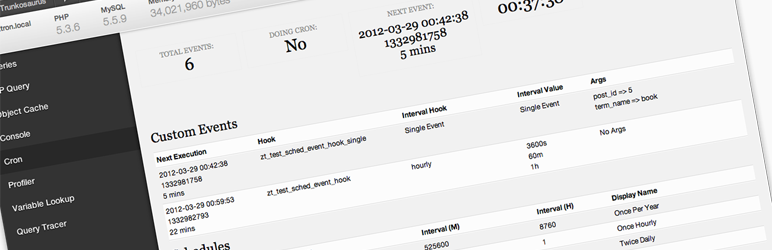
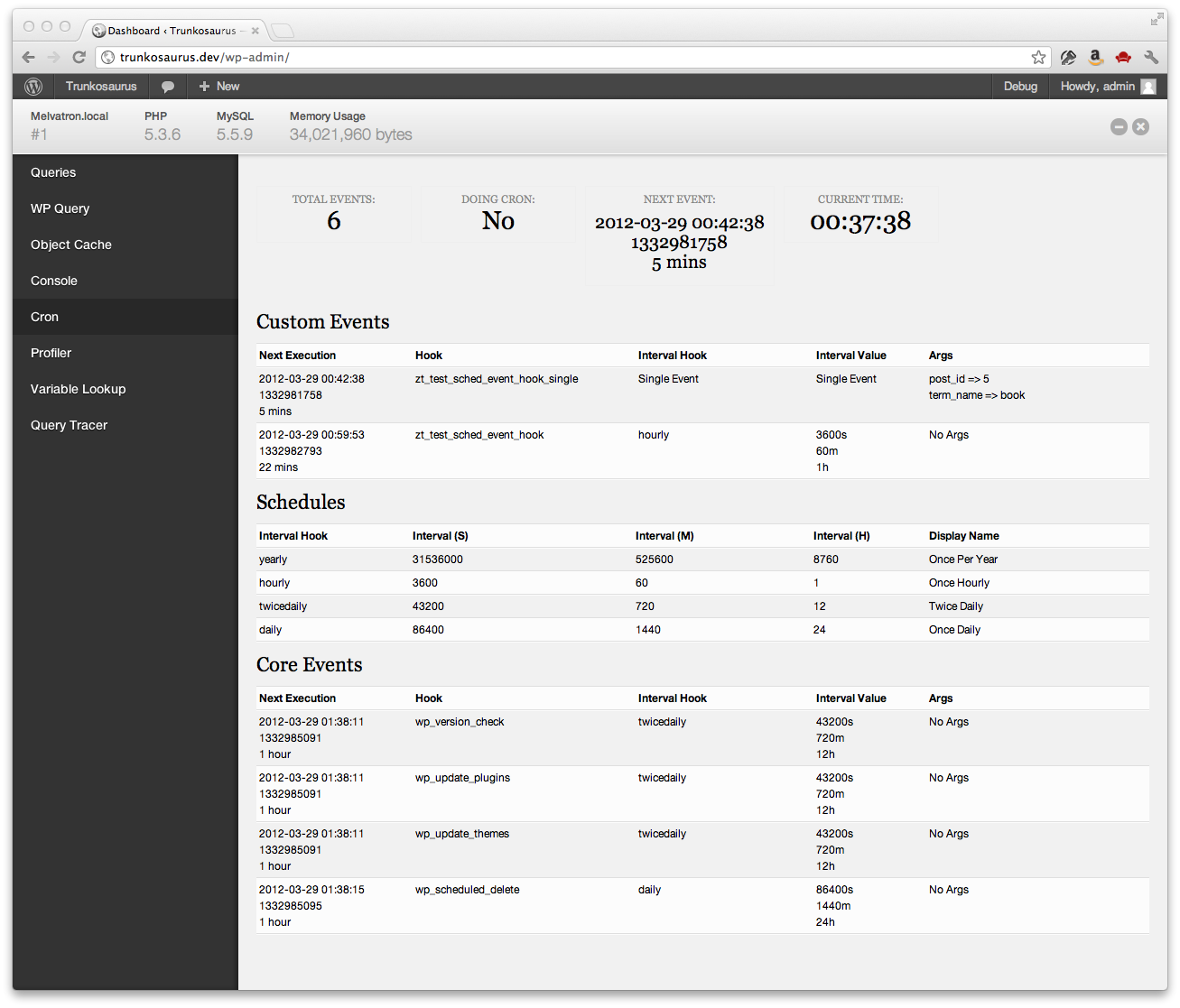
Once installed, you will have access to the following information:
- Number of scheduled events
- If cron is currently running
- Time of next event
- Current time
- List of custom scheduled events
- List of core scheduled events
- List of schedules
Ekrano nuotraukos
Diegimas
- Install Debug Bar if not already installed (https://wordpress.org/extend/plugins/debug-bar/)
- Upload the
debug-bar-cronfolder to the/wp-content/plugins/directory - Activate the plugin through the ‘Plugins’ menu in WordPress
- View the WP schedule events information in the „Cron” panel in Debug Bar
DUK
- Is debugging cron easier with this plugin?
-
Yes
Atsiliepimai

24 spalio, 2016
This has been great for checking if WordPress's scheduled events are firing. Good for checking if you need to setup a real cron job or if that real cron job is failing. Very clear presentation.
Programuotojai ir komandos nariai
“Debug Bar Cron” yra atviro kodo programa. Prie jos sukūrimo prisidėję žmonės surašyti toliau.
Autoriai


Išverskite “Debug Bar Cron” į savo kalbą.
Domina programavimas?
Peržiūrėkite kodą, naršykite SVN repozitorijoje, arba užsiprenumeruokite kodo pakeitimų žurnalą per RSS.
Pakeitimų istorija
0.1.3
- Fixed ‘Array to string conversion’ error when Cron job arguments are in a multi-dimensional array – props Jrf, ethitter, and mintindeed.
- Fixed a number of HTML validation errors – props Jrf.
0.1.2
- Added indicators for missed events
0.1.1
- Readme updates
0.1
- Initial release