

Aprašymas
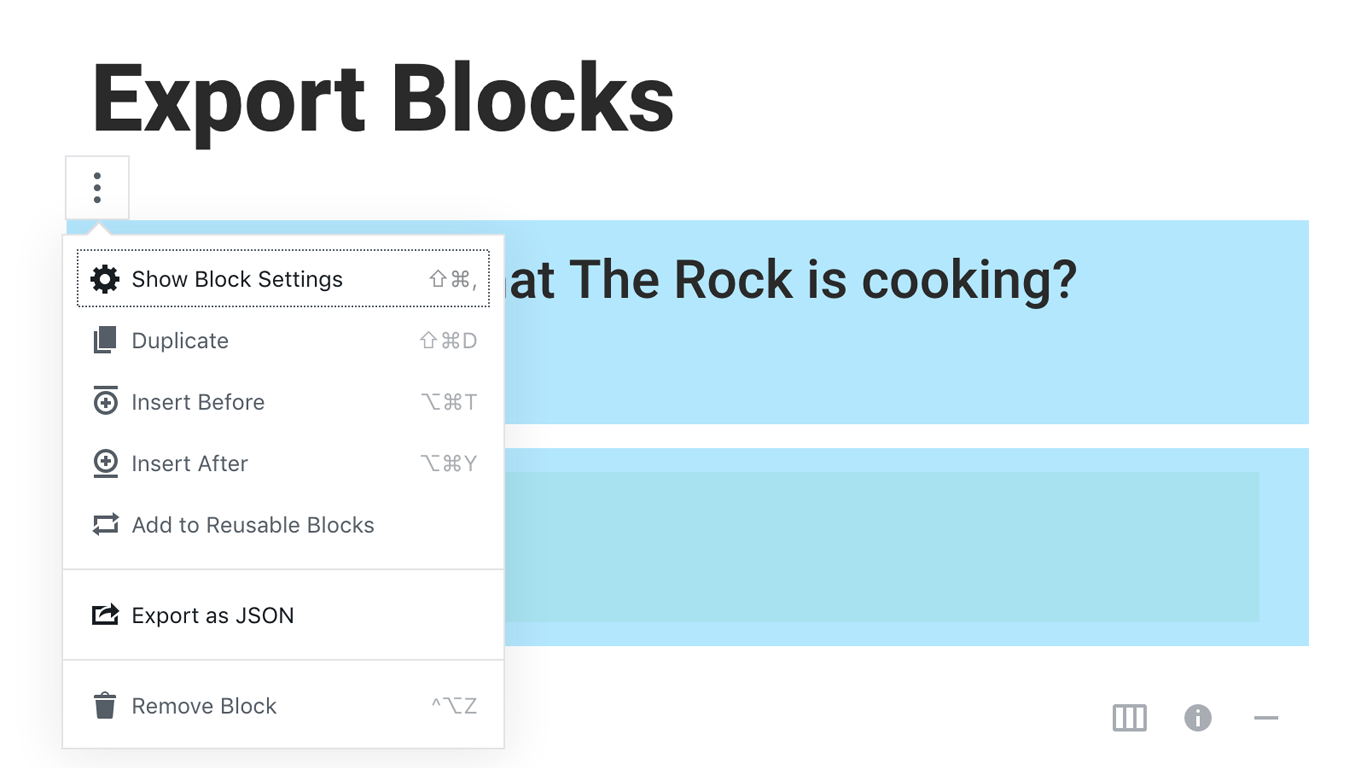
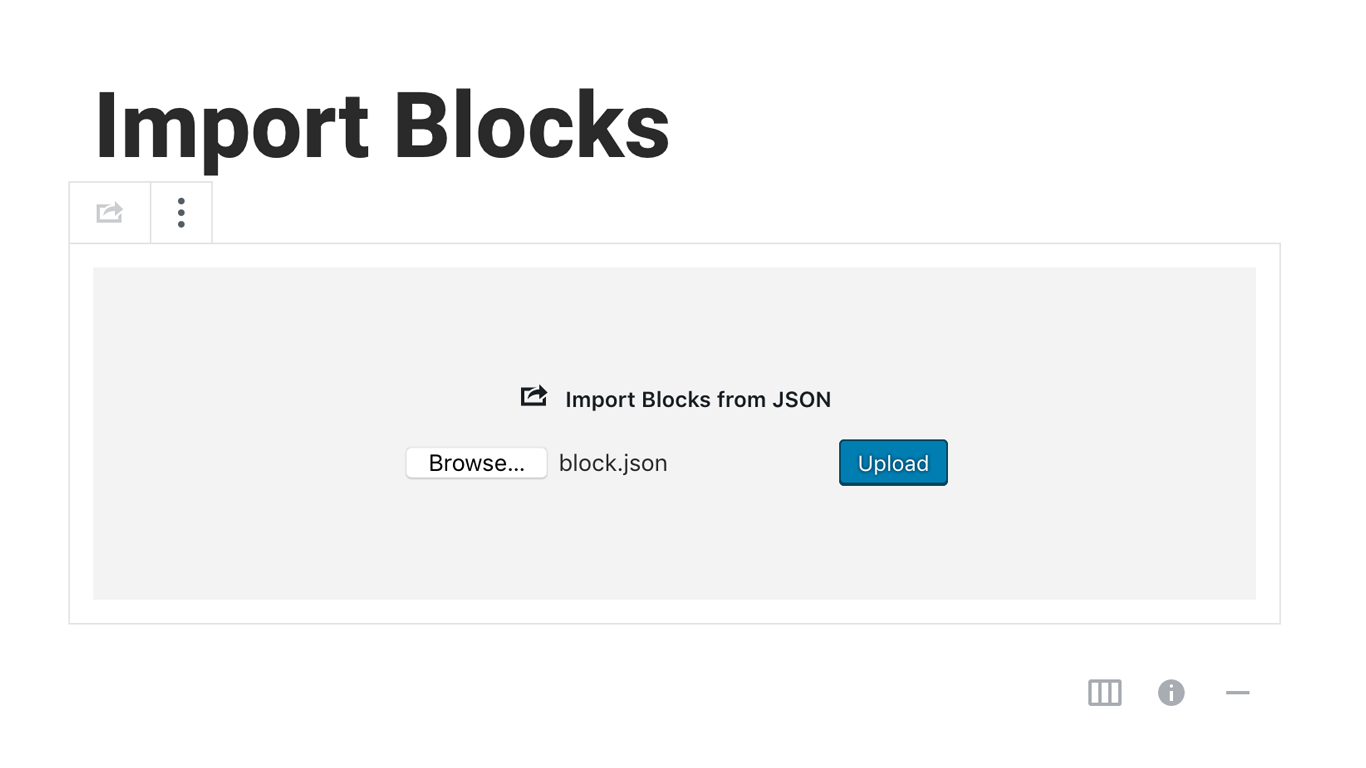
Blocks Export Import plugin allows you to import and export blocks as JSON in Gutenberg Block Editor.
All the code and sources for this plugin are publicly available as part of https://github.com/Codeinwp/otter-blocks.
Ekrano nuotraukos
Diegimas
Activating this plugin is just like any other plugin. If you’ve uploaded the plugin package to your server already, skip to step 5 below:
- Install using the WordPress built-in Plugin installer, or Extract the zip file and drop the contents in the wp-content/plugins/ directory of your WordPress installation.
- Activate the plugin through the ‘Plugins’ menu in WordPress.
- Go to Gutenberg editor and play around with the block.
Atsiliepimai

Programuotojai ir komandos nariai
“Blocks Export Import – Backup & Move Gutenberg Blocks as JSON” yra atviro kodo programa. Prie jos sukūrimo prisidėję žmonės surašyti toliau.
Autoriai

Įskiepis “Blocks Export Import – Backup & Move Gutenberg Blocks as JSON” išverstas į 1 kalbą. Dėkojame vertėjams už jų darbą.
Išverskite “Blocks Export Import – Backup & Move Gutenberg Blocks as JSON” į savo kalbą.
Domina programavimas?
Peržiūrėkite kodą, naršykite SVN repozitorijoje, arba užsiprenumeruokite kodo pakeitimų žurnalą per RSS.
Pakeitimų istorija
You can check the changelog here.