

Aprašymas
You have beautiful pictures and you want to whole world to see them? Why not adding the Pinterest Save Button so that your visitors are able to share your pictures on their Pinterest account? This plugin makes it super easy. Install, setup, done!
Ekrano nuotraukos
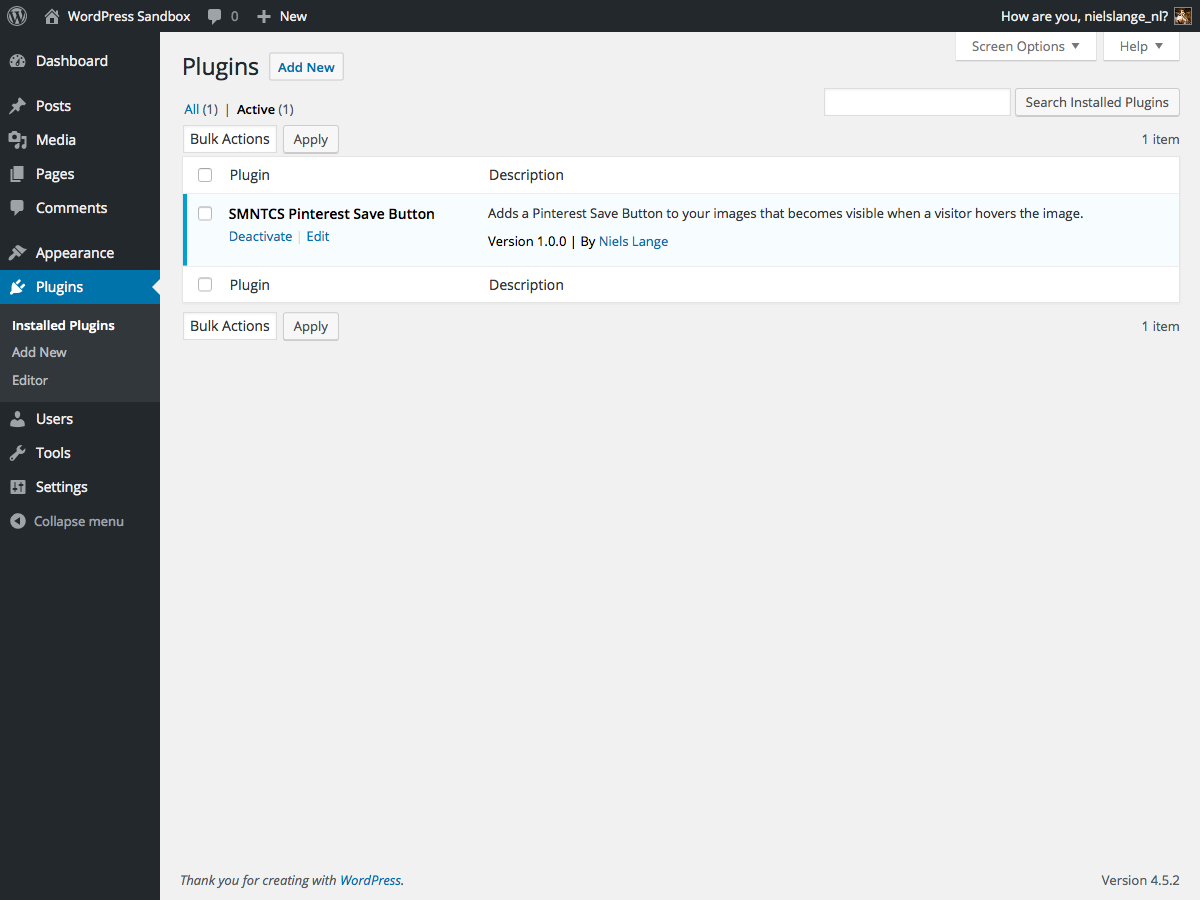

Apperance → Customize.
Diegimas
- Upload
smntcs-pinterest-save-buttonto the/wp-content/plugins/directory. - Activate the plugin through the
Pluginsmenu in WordPress. - Go to
Apperance»Customize. - Activate the Pinterest Save Button.
- Adjust settings based on your needs.
Atsiliepimai
Įskiepis neturi atsiliepimų.
Programuotojai ir komandos nariai
“SMNTCS Pinterest Save Button” yra atviro kodo programa. Prie jos sukūrimo prisidėję žmonės surašyti toliau.
Autoriai
Įskiepis “SMNTCS Pinterest Save Button” išverstas į 4 kalbas. Dėkojame vertėjams už jų darbą.
Išverskite “SMNTCS Pinterest Save Button” į savo kalbą.
Domina programavimas?
Peržiūrėkite kodą, naršykite SVN repozitorijoje, arba užsiprenumeruokite kodo pakeitimų žurnalą per RSS.
Pakeitimų istorija
1.8 (2025.03.23)
- Test up to WordPress 6.8
1.7 (2023.12.24)
- Test up to WordPress 6.4
1.6 (2022.12.03)
- Test up to WordPress 6.1
1.5 (2020.01.02)
- Test up to WordPress 5.3
1.4 (2019.12.30)
- Test up to WordPress 5.2
1.3 (2019.06.30)
- Test up to WordPress 5.1
1.2 (2019.02.19)
- Correct text domain
1.1 (2019.01.14)
- Add text domain
1.0 (2016.07.20)
- Initial release