
Aprašymas
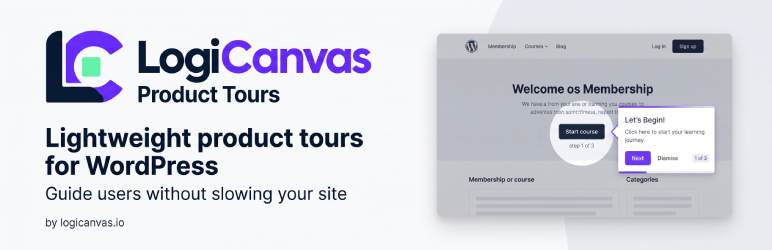
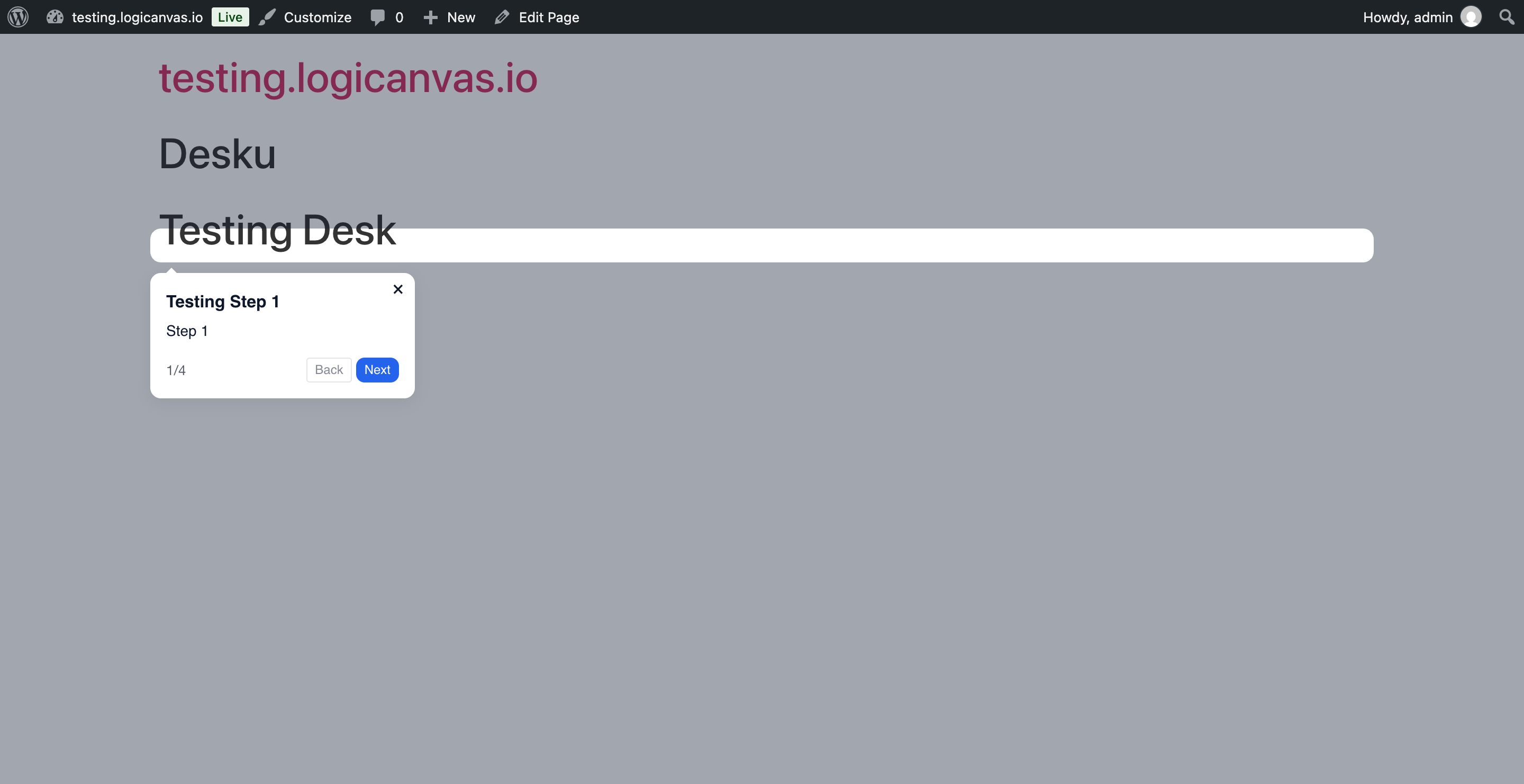
Logicanvas Product Tours lets you create modern, branded product tours without slowing down your site.
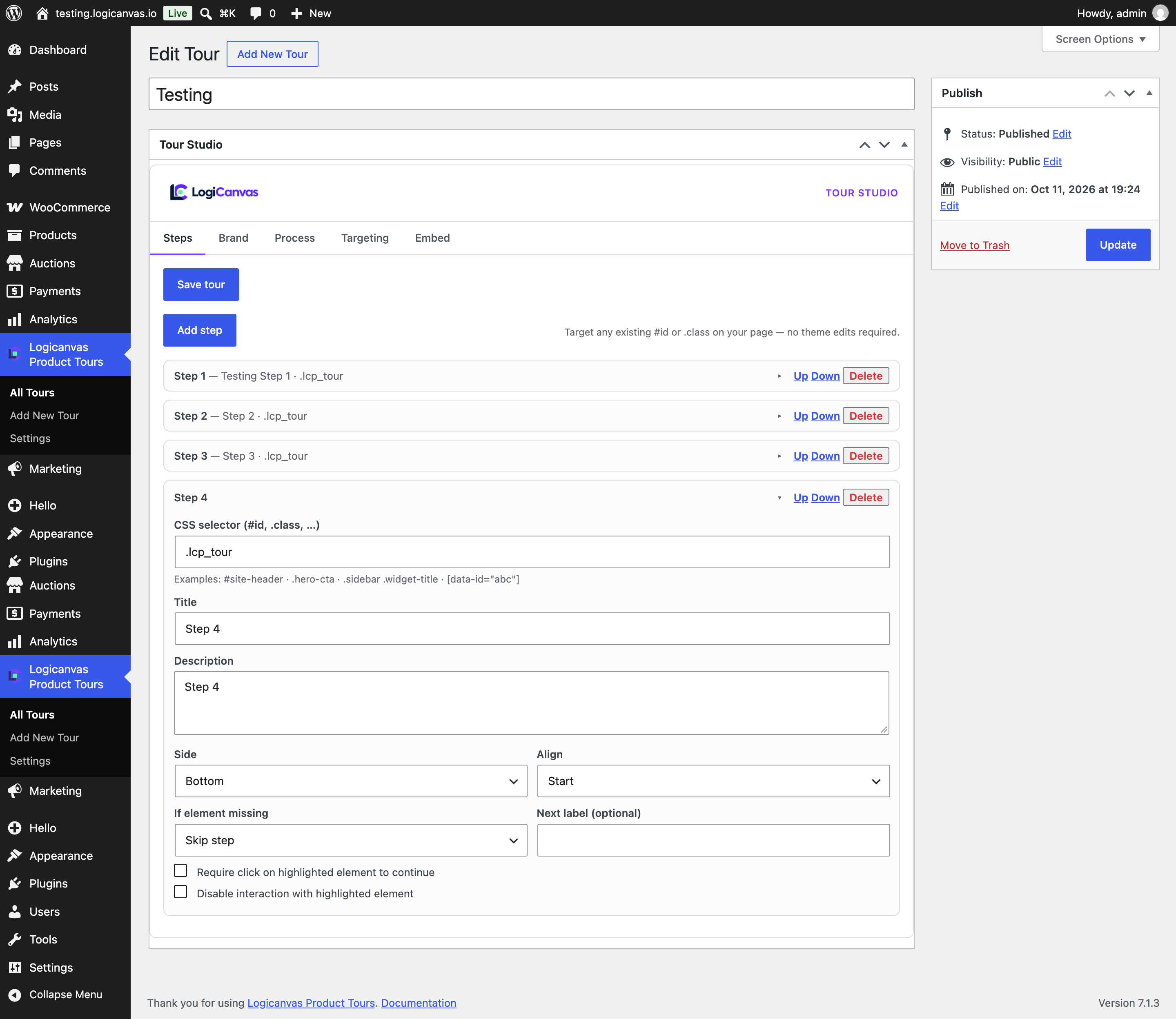
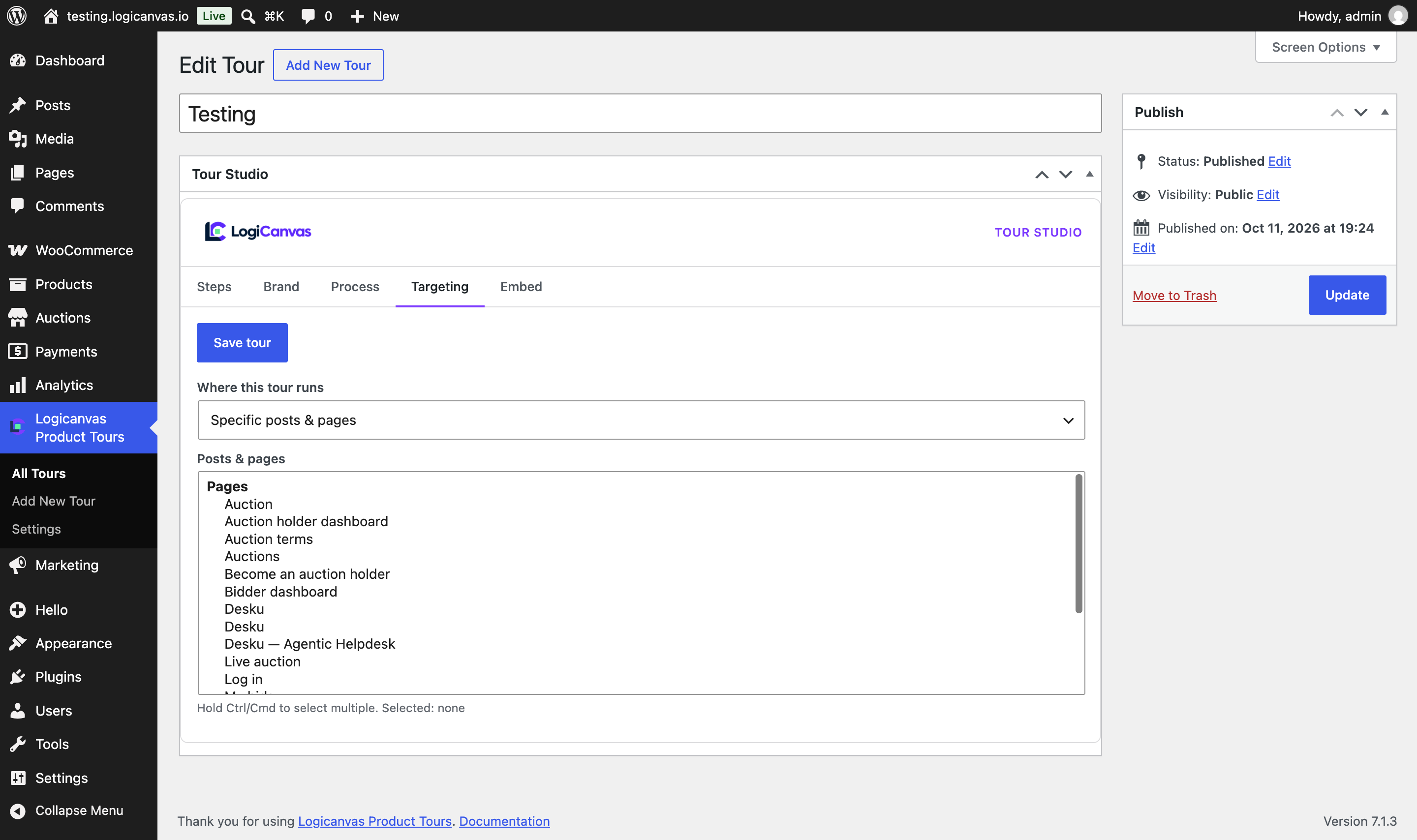
- Target existing
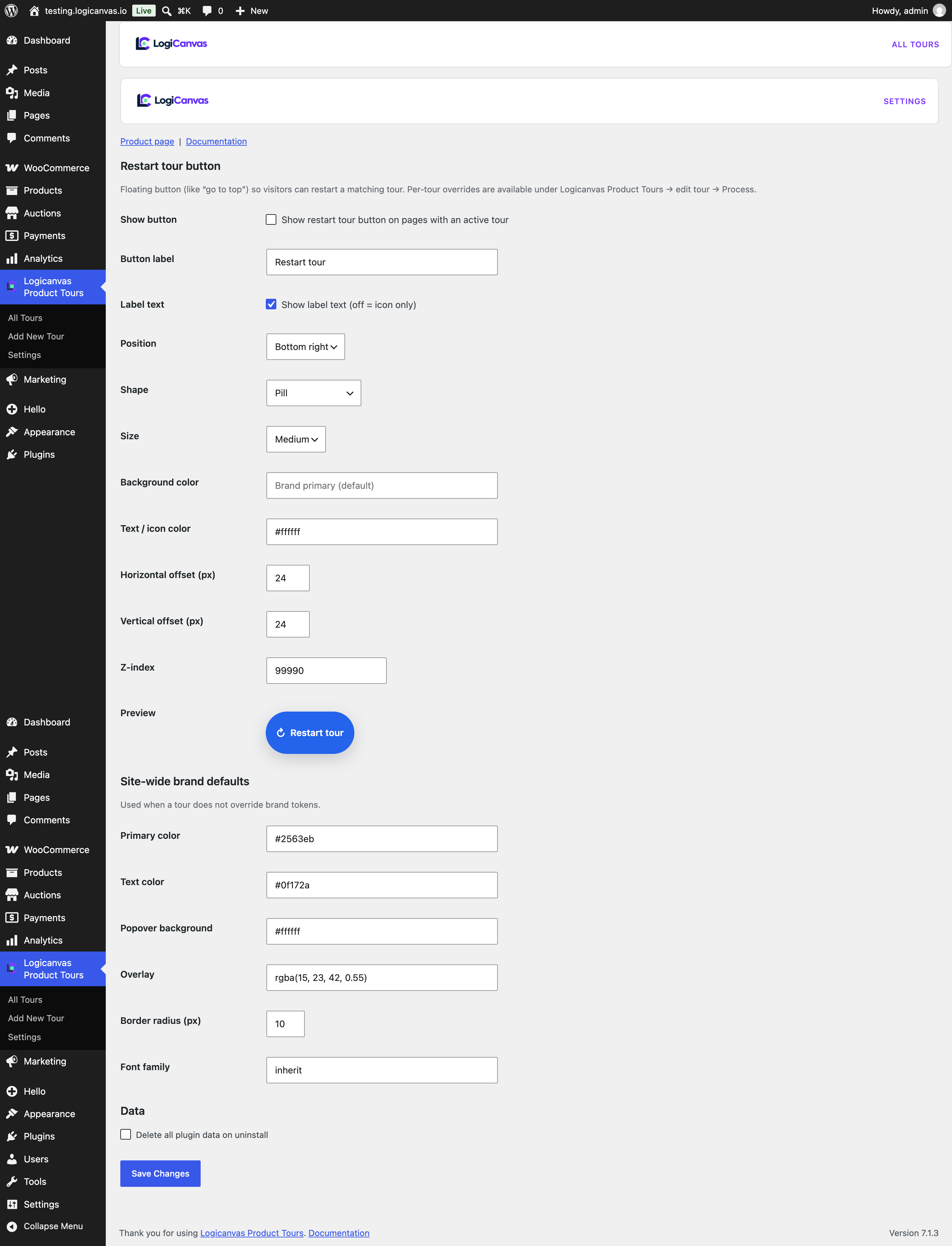
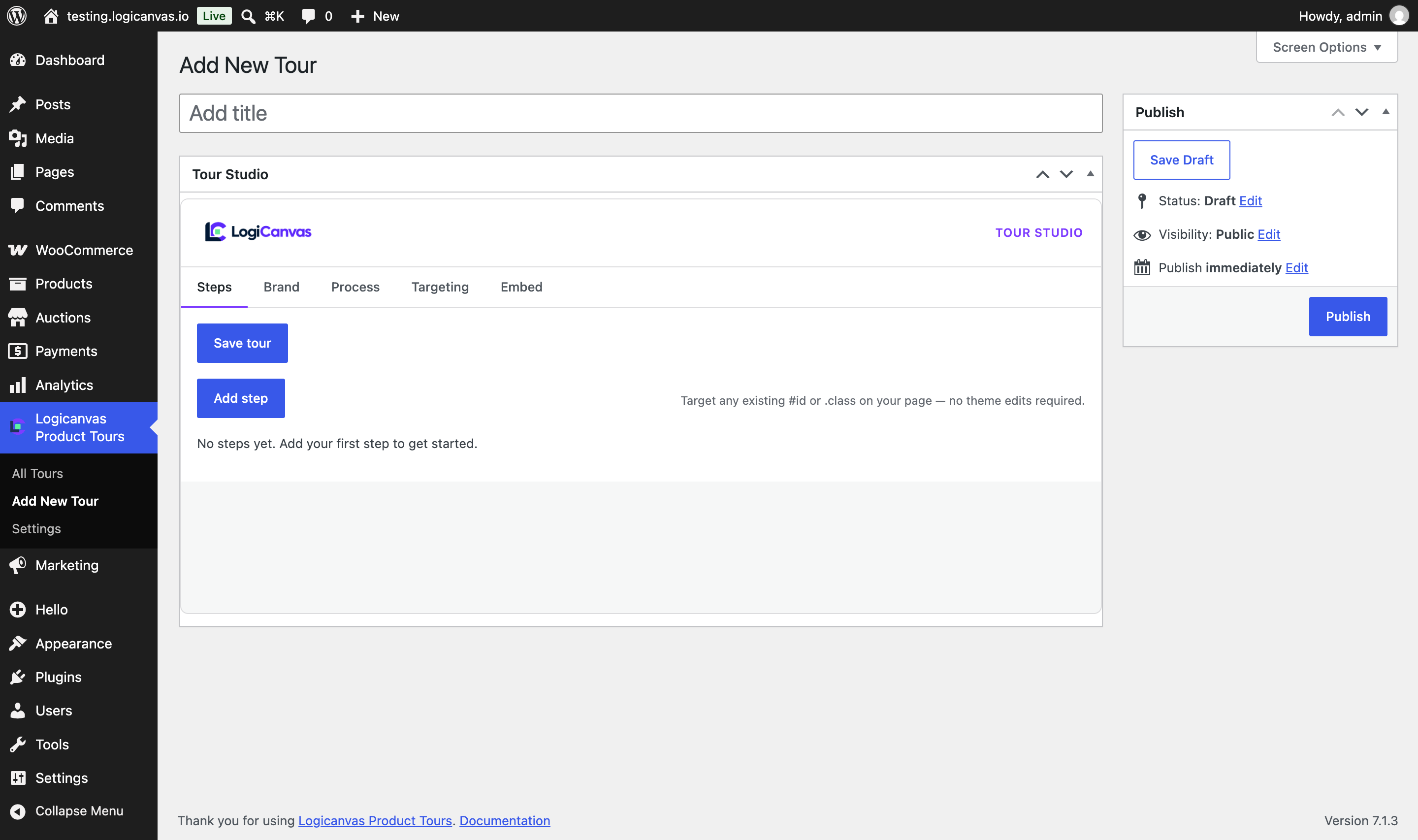
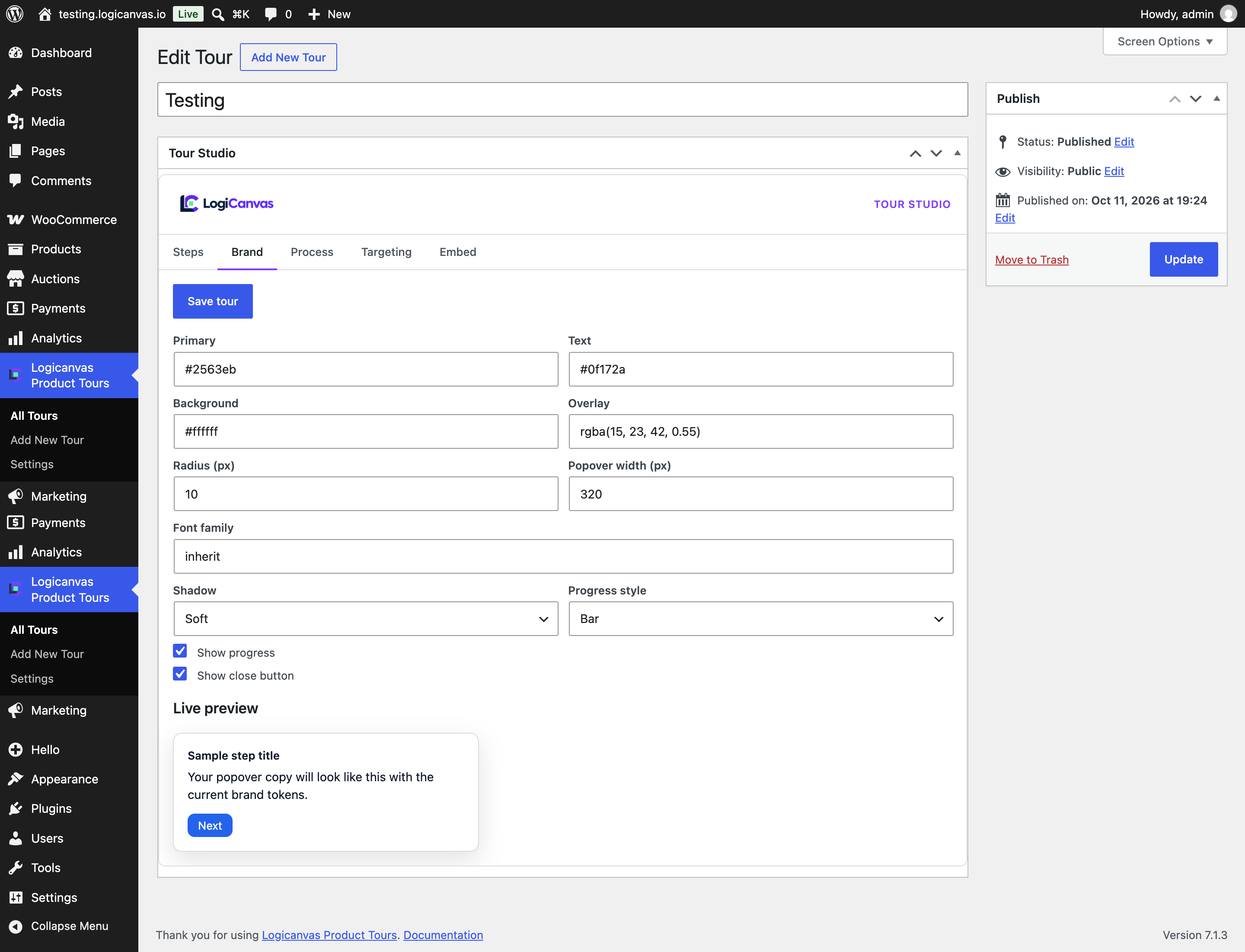
#idand.classselectors from the Tour Studio — no theme edits required - Brand kit: colors, radius, fonts, overlay, and live preview
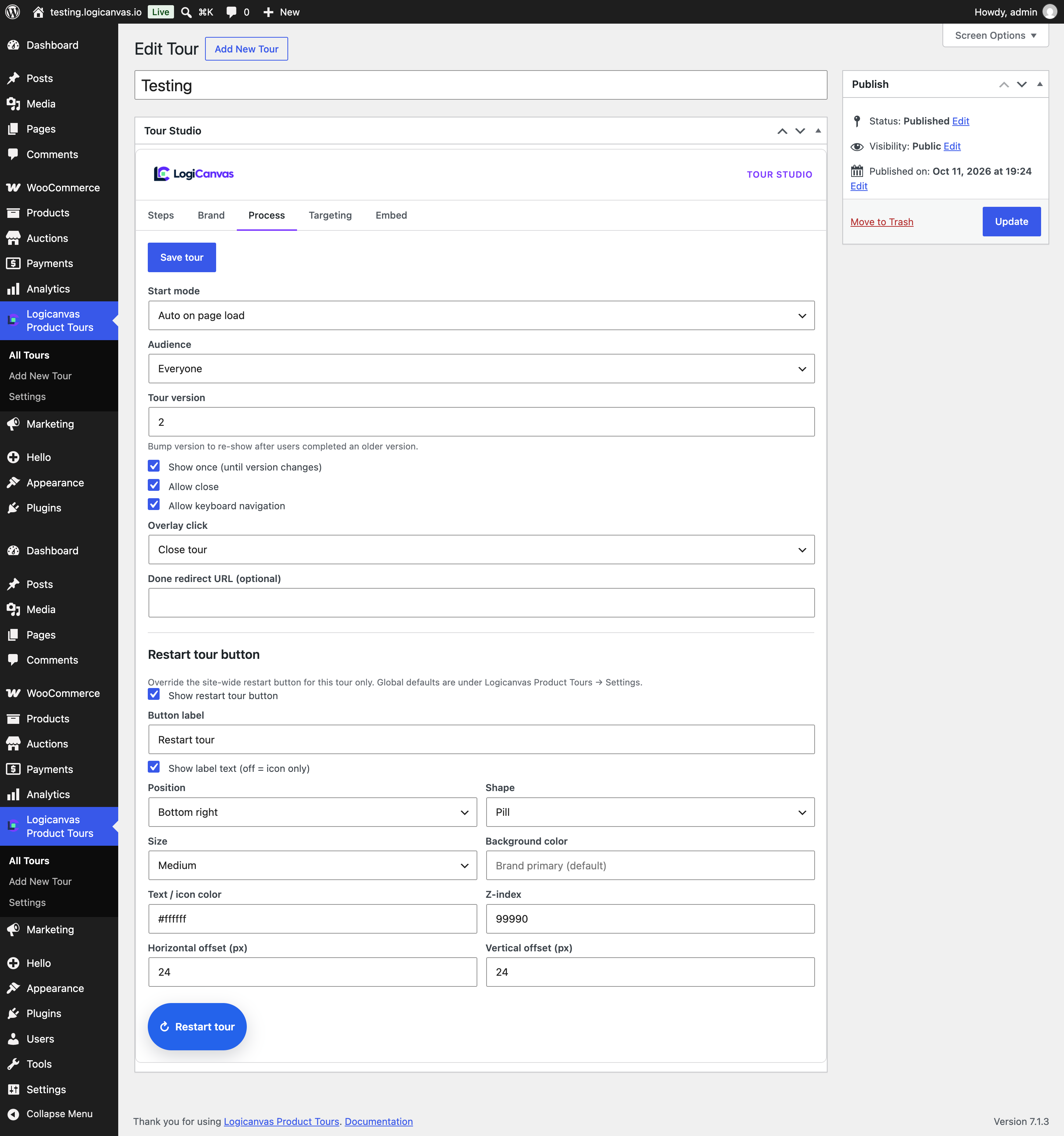
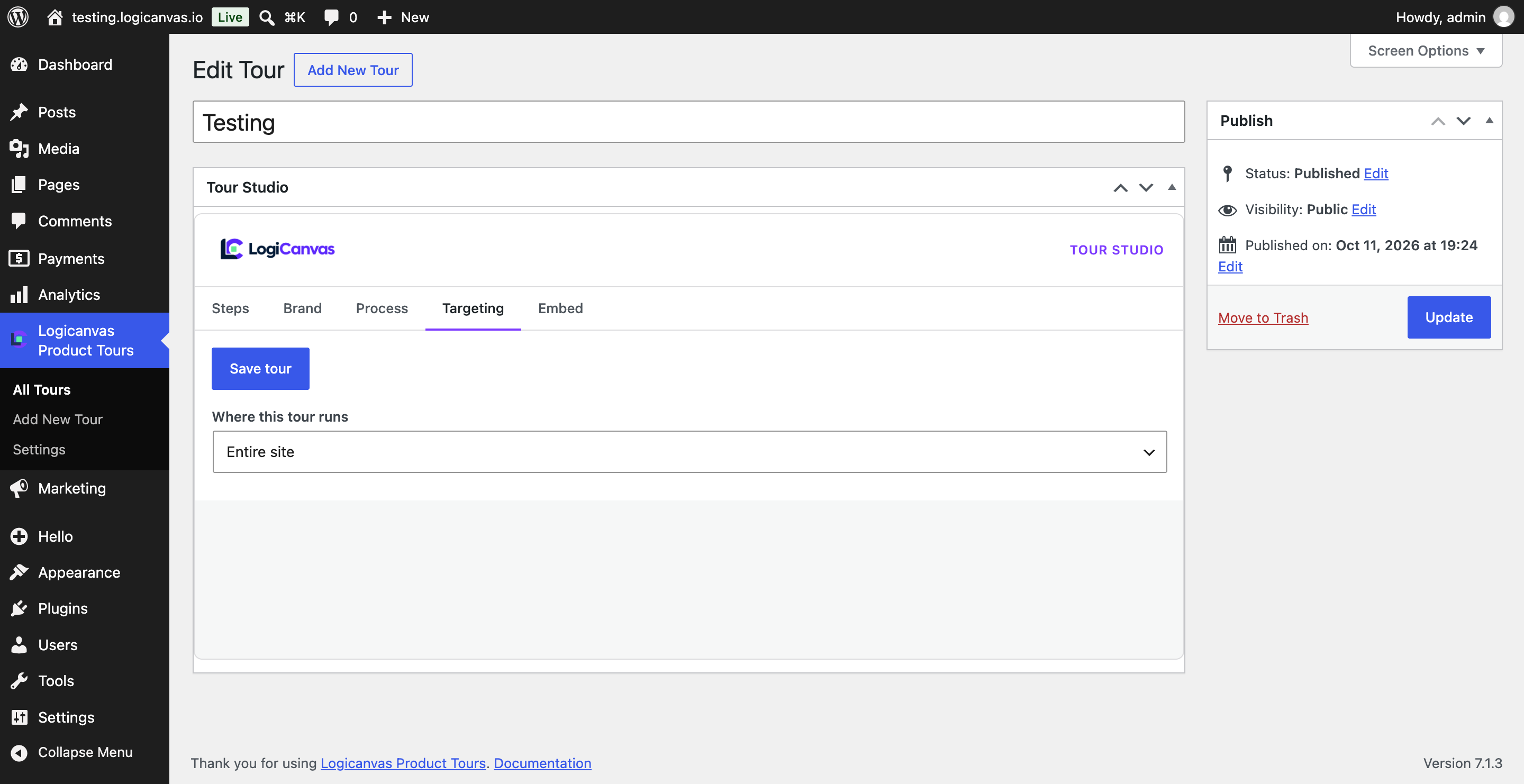
- Process controls: auto/manual start, audience, show-once with version bump, require-click steps
- Featherweight: assets load only when a tour matches the page
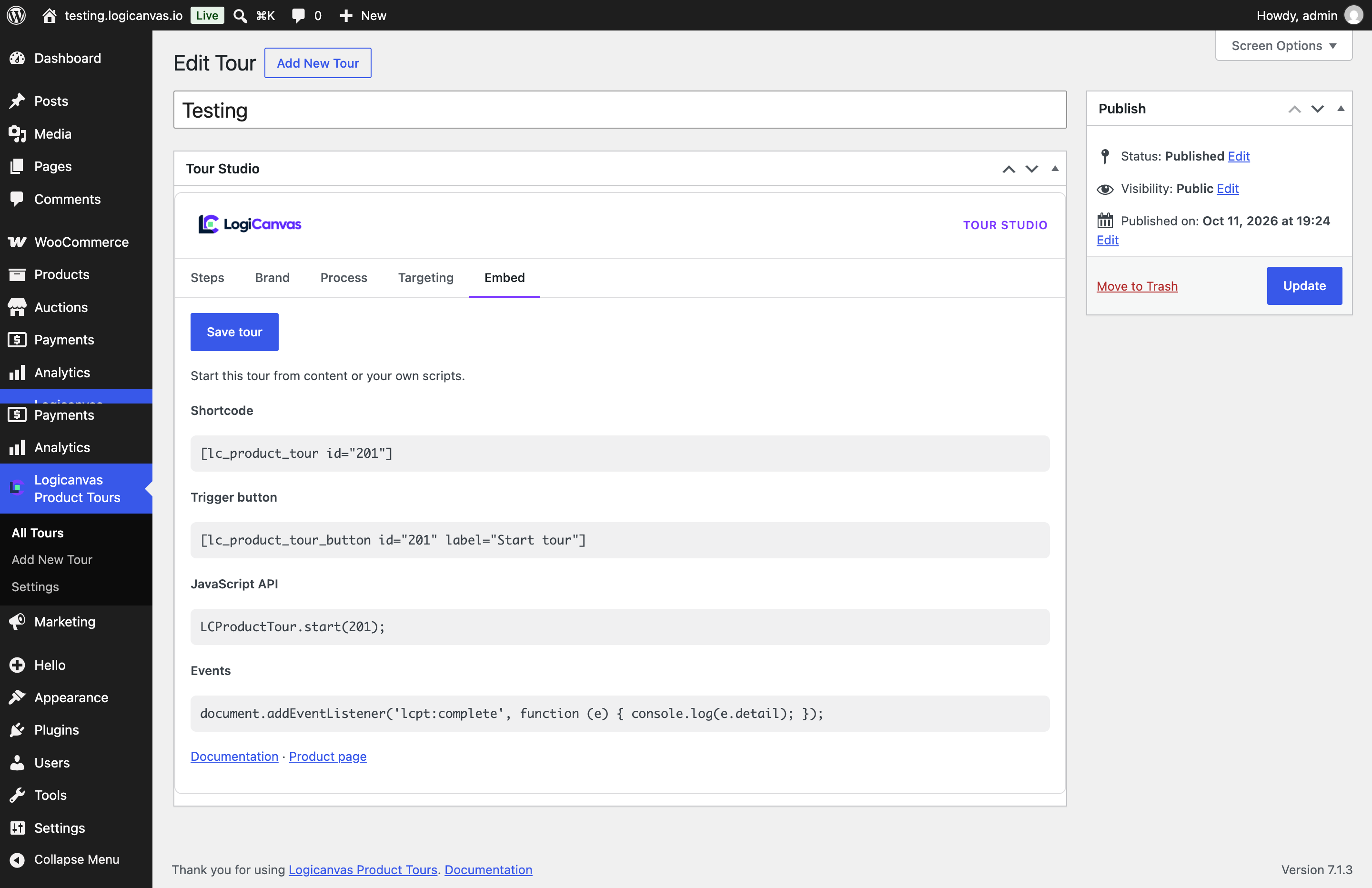
- Shortcode, Gutenberg trigger block, and
LCProductTour.start(id)API
Product page: https://plugins.logicanvas.io/product-tour-by-logicanvas
Documentation: http://docs.logicanvas.io/product-tour-by-logicanvas
Pro add-on (separate plugin): Elementor Tour Trigger widget, visual element picker, query/scroll triggers, multi-page resume, and completion analytics.
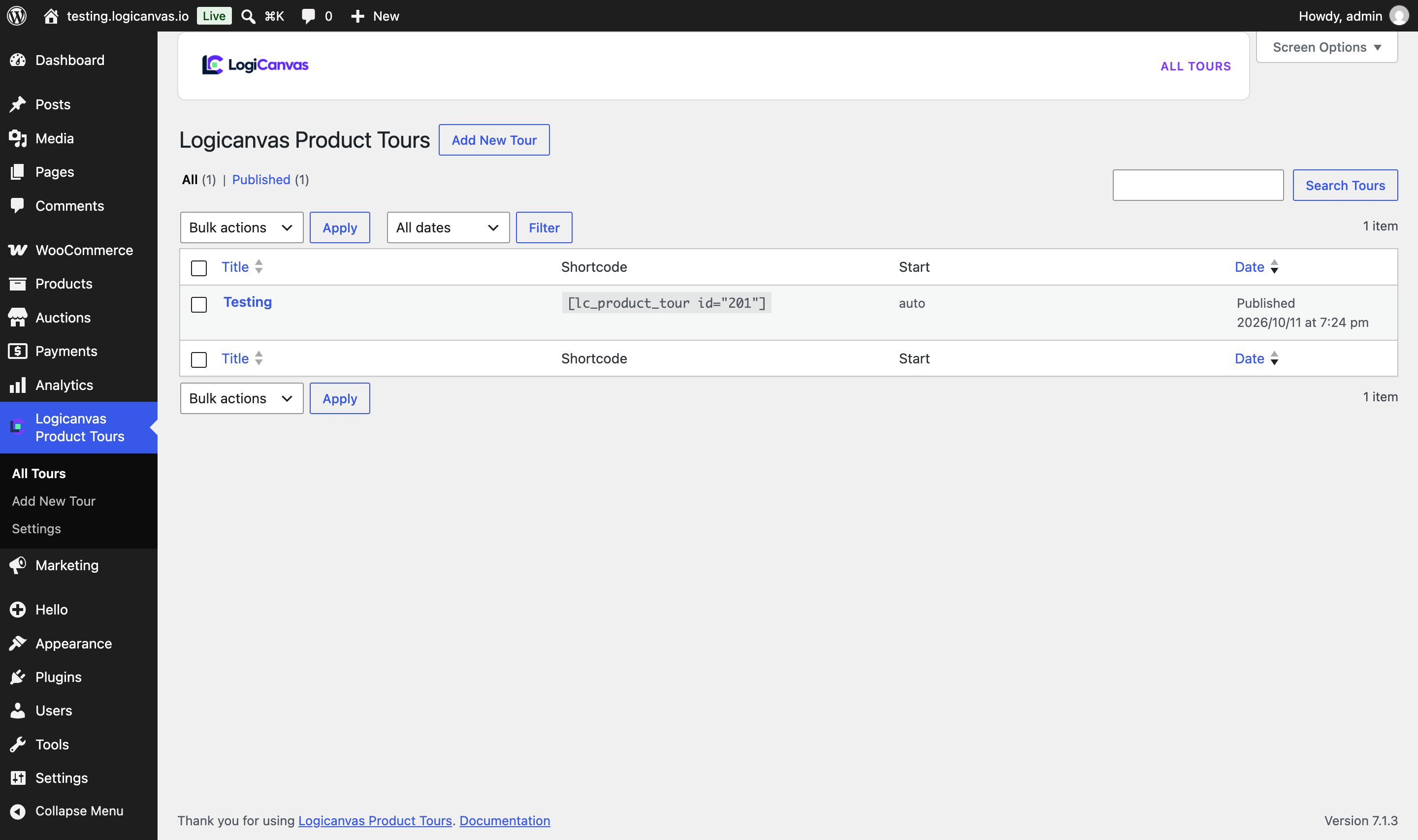
Ekrano nuotraukos
Blokai
Šis įskiepis suteikia 1 bloką.
- Logicanvas Tour Trigger
Diegimas
- Upload the plugin folder to
/wp-content/plugins/logicanvas-product-tours - Activate Logicanvas Product Tours through the Plugins screen
- Go to Logicanvas Product Tours Add New and build steps in the Tour Studio
- Publish and visit a matching page
DUK
-
Will this slow down my site?
-
No. When no tour matches the current page, the plugin loads zero frontend CSS/JS.
-
Can I use my theme’s existing classes and IDs?
-
Yes. Each step accepts any CSS selector (
#header,.btn-primary, nested selectors,[data-id]). -
Does it work with Elementor?
-
The free plugin works with any markup Elementor outputs via CSS selectors. The Pro add-on adds a Tour Trigger widget and visual picker.
Atsiliepimai
Įskiepis neturi atsiliepimų.
Programuotojai ir komandos nariai
“Logicanvas Product Tours” yra atviro kodo programa. Prie jos sukūrimo prisidėję žmonės surašyti toliau.
Autoriai

Išverskite “Logicanvas Product Tours” į savo kalbą.
Domina programavimas?
Peržiūrėkite kodą, naršykite SVN repozitorijoje, arba užsiprenumeruokite kodo pakeitimų žurnalą per RSS.
Pakeitimų istorija
1.0.1
- Initial release
- Brand kit via form fields (no arbitrary custom CSS)
- Escape compiled brand CSS before inline output
- Restart tour button, process controls, and LCProductTour.start() API